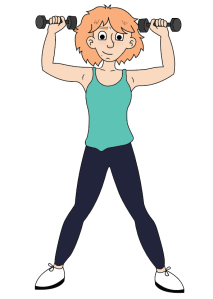
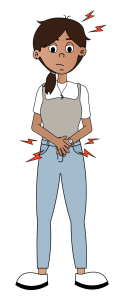
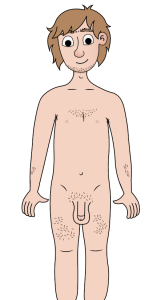
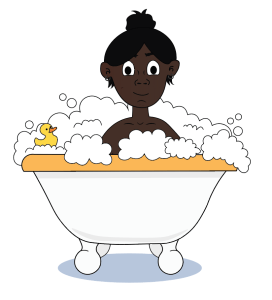
Animation

From taking the modules ‘Animation Principles’ and ‘Advanced Animation’ I have  acquired the fundamental skills to create animated videos for the Let’s Talk app. Having these skills allowed me to take the role as Animator for the scenarios.

What is animation?

“Animation as an art, an approach, an aesthetic and an application informs many aspects of visual culture, from feature-length films to prime-time sitcoms, from television and web cartoons to display functions on a range of new communications technologies” (Wells, 2002)

animation

Improving my animation skills

  1. Observing people: Look at how people interact with each other and how they express themselves. How do they move can help gain a good understanding of motion but also timing and weight.
  2. Seek out real world references: Using people to see how they express their emotions through their facial features is key when animating. Looking in a mirror at your own face to create emotion can help when animating a character.
  3. Film yourself: To understand how and why a character moves is important. Filming yourself is a good idea when trying to figure out how a body would move realistically. Act out scenes and it will show you how you can animate your character.
  4. Lead with eyes: The eyes move first when deciding where to go and then the head and neck follow. This continues down the body. So the eyes are what we are drawn to first so they should move before the body.
  5. Study the effects of gravity: Gravity effects everything you want to animate. Keep this in mind when moving a character.

(Redman, 2018)

Basics of animation

Understanding the way people and objects move is a very important skill to have when being an animator. Also developing a good sense of timing is very important to become a good animator. (Maestri, 2006, p.105)

Understanding Motion

A character moves their body for a reason, and these motions are very important because they convey the characters mood and personality to the audience. “Only through motion can the character truly come to life.” (Maestri, 2006, p.105)

Motion is the result of a force acting on an object. The force of gravity pulls objects to the ground but there are other ways that effects the way a character moves which include wind, the weight of the object or the forces exerted by the characters own muscles. The fact that muscles apply force is an important concept. Muscles work the same as gravity as they can cause objects in the case of animation, the characters limbs to accelerate and decelerate. (Maestri, 2006, p.106 p.107)

The Language of Movement

When animating the characters in a realistic way having a good understating of how the human body moves is key. When animating the scenarios for the app keeping the following in mind will become very useful:

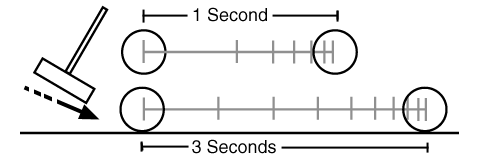
Timing: As an animator, by using timing allows you to guide the audiences eyes through the characters actions.

croquet

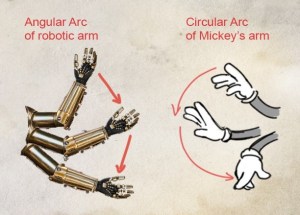
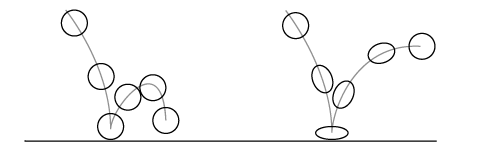
Arcs and Natural Motion: Objects usually move along arcs. This is because objects are usually subject to many different forces. In the case of animation, characters arcs are also created by the natural mechanics of the human body. Joints move by rotation and this creates arcs. Animating joints they use forward kinematics, they move by rotation. These rotations automatically move the characters joints along an arc. This movement gives a natural look to the character.

Image-4-Arc

Squash and Stretch: Most objects tend to flex and bend when they move. Because objects can change shape when forces are applied these idea is helpful when animating. For character animation there are levels of squash and stretch. With a realistic character the effect of squash and stretch can be less dramatic. But in a more cartoony environment the squash and stretch can be more rubbery.

rigid

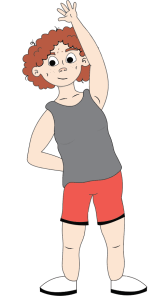
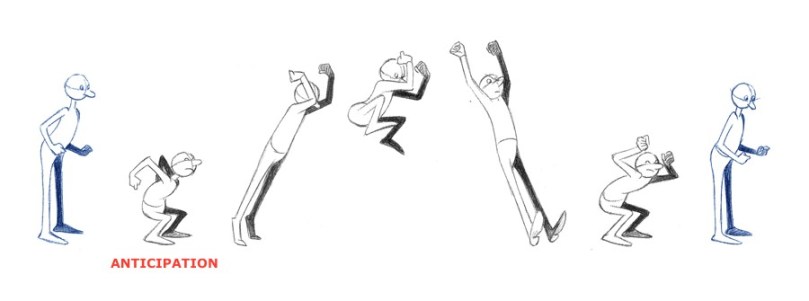
Anticipation: It is the body’s natural way of gaining momentum before an action takes place. In animation by exaggerating it, we can keep the viewers attention and achieve better timing.

Image-2-Anticipation-Jumping-Guy-

(Maestri, 2006, p.117 p.118 p.123 p.127)

For Let’s Talk the majority of the character animations will be created by using Adobes Character Animate. Using this software makes it easier to animate facial expressions as it live motion capture of your own face through a webcam. This allows me to give a better performance to convey the correct emotion that I am trying to emulate. “Facial expressions convey a lot of emotion and it’s very important to understand these expressions and the way the face communicates emotion.” (Maestri, 2006, p.196) Before animating a face I practice the facial expression I want by using a mirror this gives me a better understanding of how to show this emotion correctly through the character. 

Animation videos that we helpful when animating were the youtube channels ‘Jaiden Animations’ (Dittfach, 2019) and ‘Murrz’ (Murrz, 2019).  Taking inspirations from their videos for ‘Lets Talk’ animated scenarios.

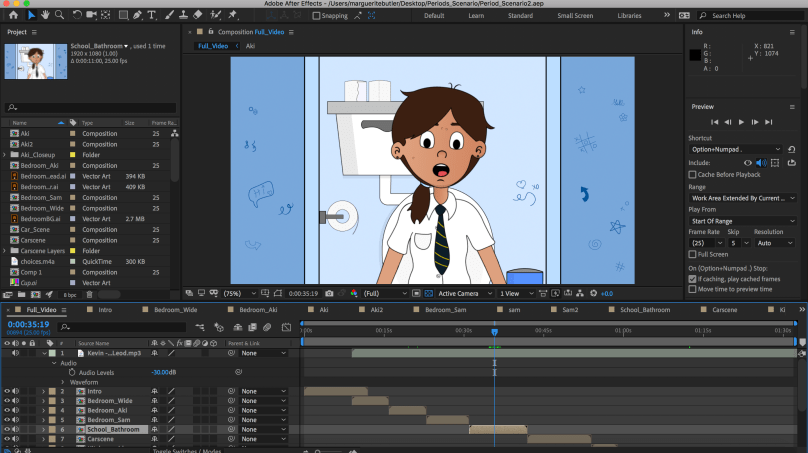
For animating backgrounds and composting the animations I used Adobe After Effects. I find using a combination of both soft wears gives the best result for my skillset.

Screen Shot 2019-05-13 at 17.22.25.png

References

Dittfach, J. (2019). Jaiden Animations. [online] YouTube. Available at: https://www.youtube.com/channel/UCGwu0nbY2wSkW8N-cghnLpA [Accessed 27 Mar. 2019].

Maestri, G. (2006). Digital character animation 3. Berkeley, Calif.: New Riders, p.105, p.117, p.118 p.123 p.127 p.196

Murrz (2019). Puberty. [image] Available at: https://www.youtube.com/watch?v=ZZ4CzW_aEBQ [Accessed 5 Apr. 2019].

Redman, R. (2018). 15 ways to improve your character animation. [Blog] Creative Bloq. Available at: https://www.creativebloq.com/audiovisual/improve-character-animation-41411447 [Accessed 20 Mar. 2019].

Wells, P. (2002). Animation: Genre and Authorship. London: Wallflower, p.1. [Accessed 23 Mar. 2019]

Storyboards for Animated Scenarios

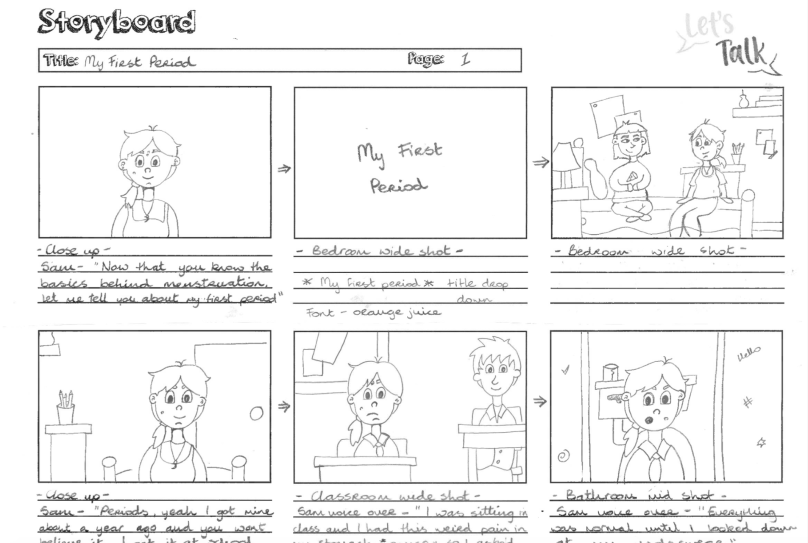
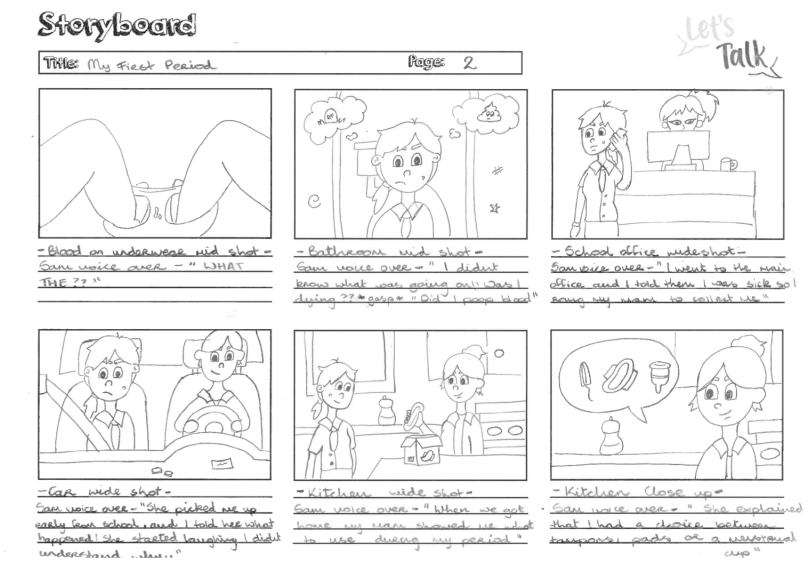
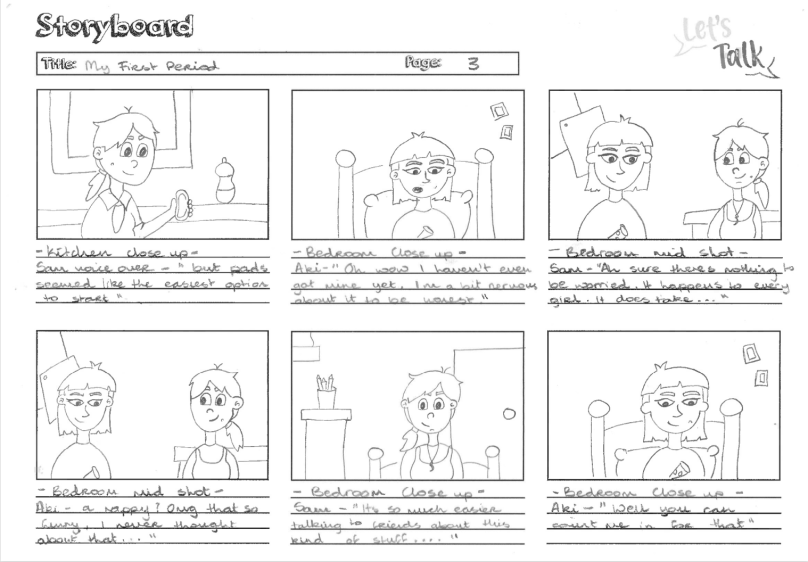
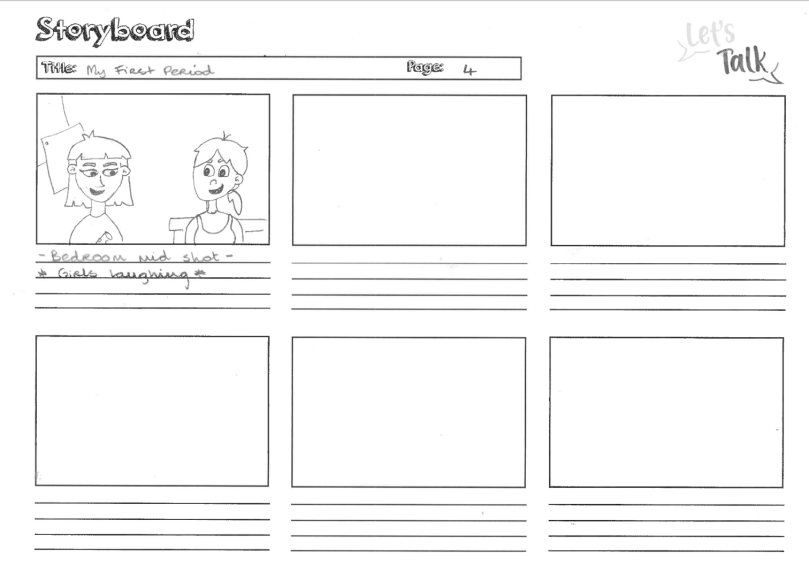
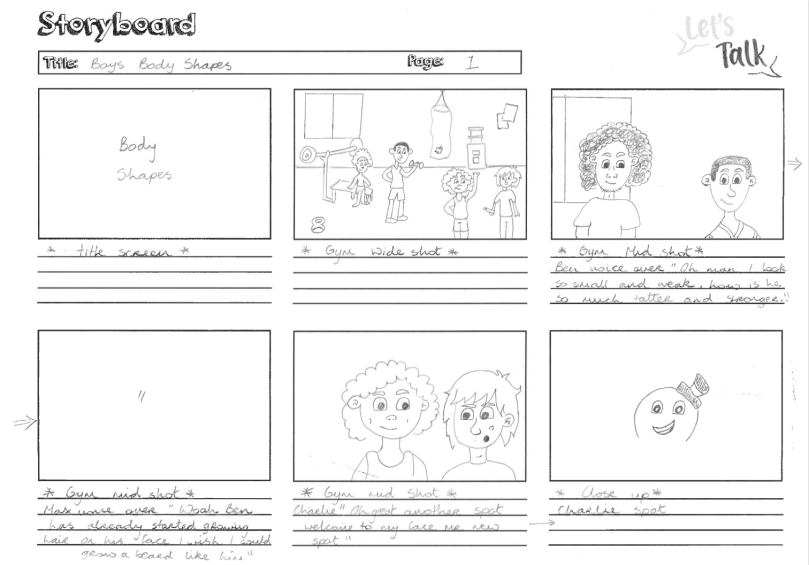
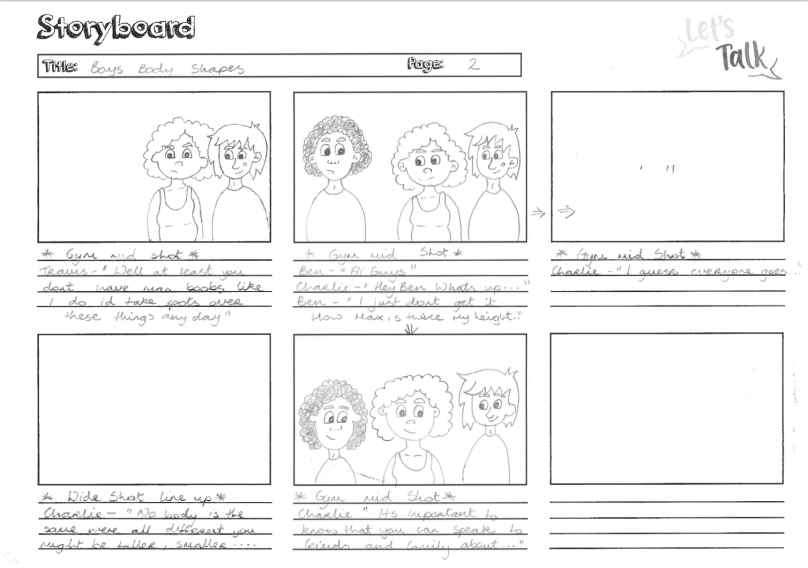
When creating the storyboards for the app, I worked closely with the Lead Content Creator Hazel Lambe. We discussed how we would transfer what was on the scripts  to storyboards. We kept in mind my abilities as an animator and what was possible to design and create within the time limit we had. We agreed that four scenarios was appropriate two for the boys and two for the girls. After the scripts was completed, I started creating the storyboards. I have gained knowledge on creating storyboards from my time studying Creative Digital Media by taking modules such as Advanced Animation, Film Language and Cinematography. I added to this knowledge by researching other mediums.

“So animation scripts have traditionally included the camera shots, as if the writer was directing the story. A finished animation script is still a work in progress with the storyboard artist who follows, improving upon the look of the story. But it’s the writer who initially visualises each shot in his head.” (Wright, 2005) This is true when myself and hazel worked together. She wrote the initial scripts and having a vision of what she wanted the animations to look like. I aided in this process by making her vision come to life and making adjustments were needed.

What is a storyboard?

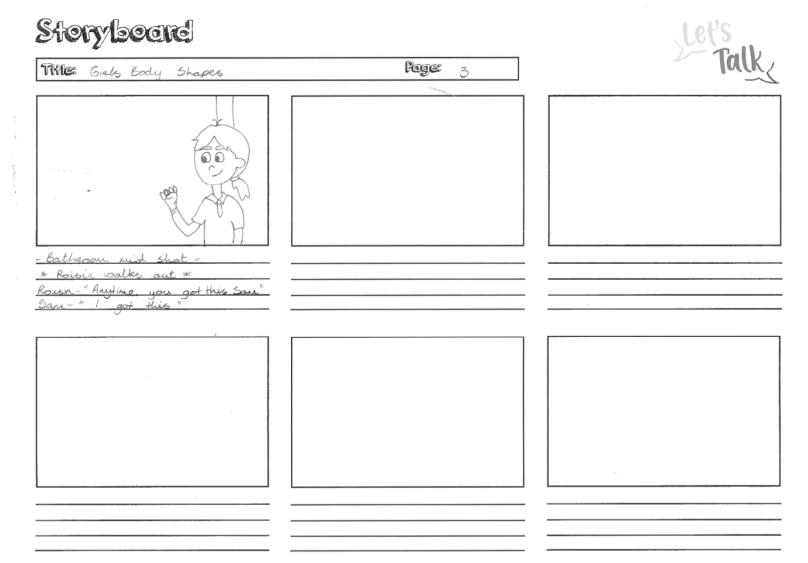
So what is a storyboard, it is a graphic representation of what will take place throughout a video, shot by shot. It is made up with a number of rectangles that have illustrations/pictures/drawings that show what each shot will include within the scene and also what is being said in the script during that shot. (Vyond.com, 2018)

“The storyboard should serve as a blueprint for any film project and as the first visual impressions of the film. It is at this stage that the major decisions are taken as far as the film’s content is concerned. It is generally accepted that no production should proceed until a satisfactory storyboard is achieved and most of the creative and technical problems which may arise during the film’s production have been considered.” (Whitaker and Halas, 2002)

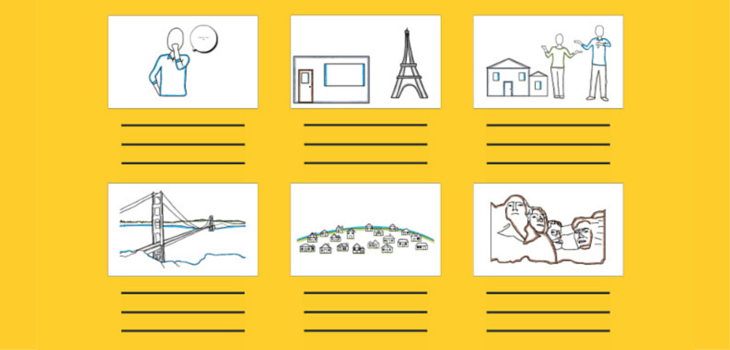
Example of a storyboard:

Storyboard_730x350

With any project that included video work it is very important to start off with a solid concept of what a storyboard is used for. “For animators, it would be suicide not to storyboard. Unlike live-action filmmaking, where one shoots scenes in a variety of ways and then finds the final form through the editing process, in animation you never want to execute a finished scene that might be discarded, because this process costs too much time and money. The use of small sketches gives the animator a spectacularly clear and inexpensive way to work out his or her creative vision”. (Laybourne, 1998) The use of a storyboard has been a great benefit to me when I am creating my animations. Having the visual aid makes the creative process run much smoother as it allows you to explain and share your ideas for the video clearly to others. It is helpful when to comes to making the animation because you can use it as a guide so you ensure that you don’t forget any scenes and it helps when putting the video together. It is also handy to shorten the process of creating the video because it gives you a clear vision to how you want it to look so by taking time to draw a good storyboard it will save you time later.

How to create a storyboard

Step 1: Creating a template 

The first step in creating a storyboard is creating a template. You can do this by drawing a series of rectangles on paper or downloading a pre made template. Making sure there are lines under the rectangles to write notes or lines from the script. Each rectangle is a different shot or scene.

Step 2: Adding the script 

Under the rectangles write out the lines from the script that go with that scene.

Step 3: Sketching out the story 

Here you sketch what happened in each scene through drawings, what characters are present and what framing you would like to use. Also making not of what camera angles and movement , transitions between shots and other details that are needed for post production. (Burgess, 2016)

Additional Character sketches


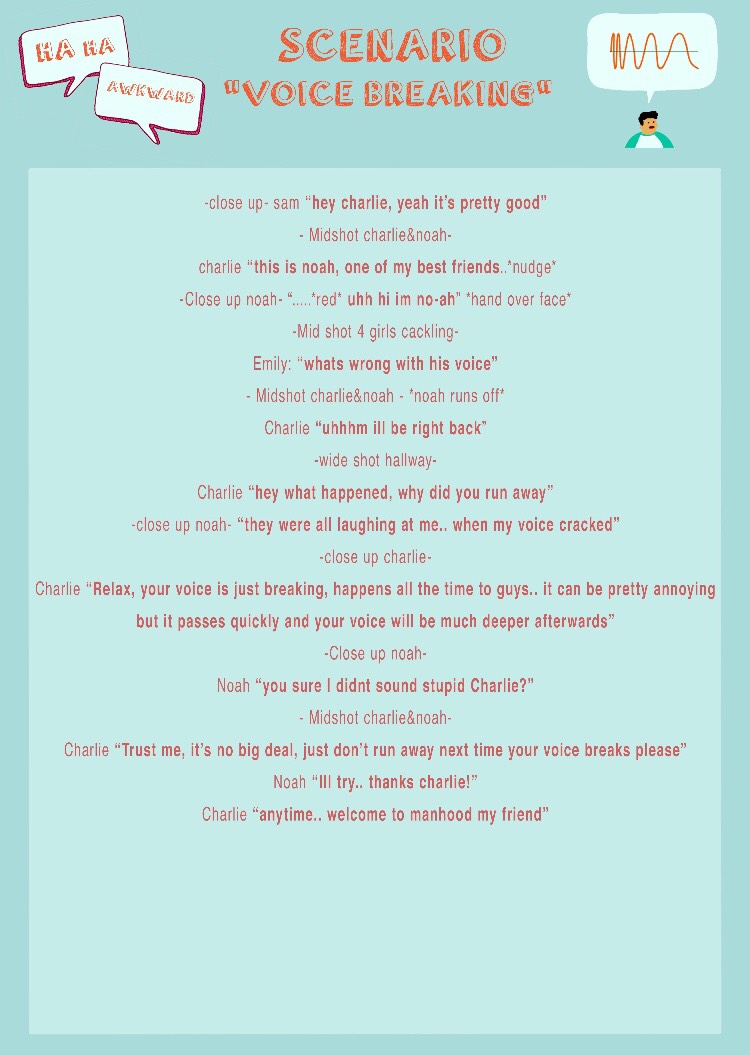
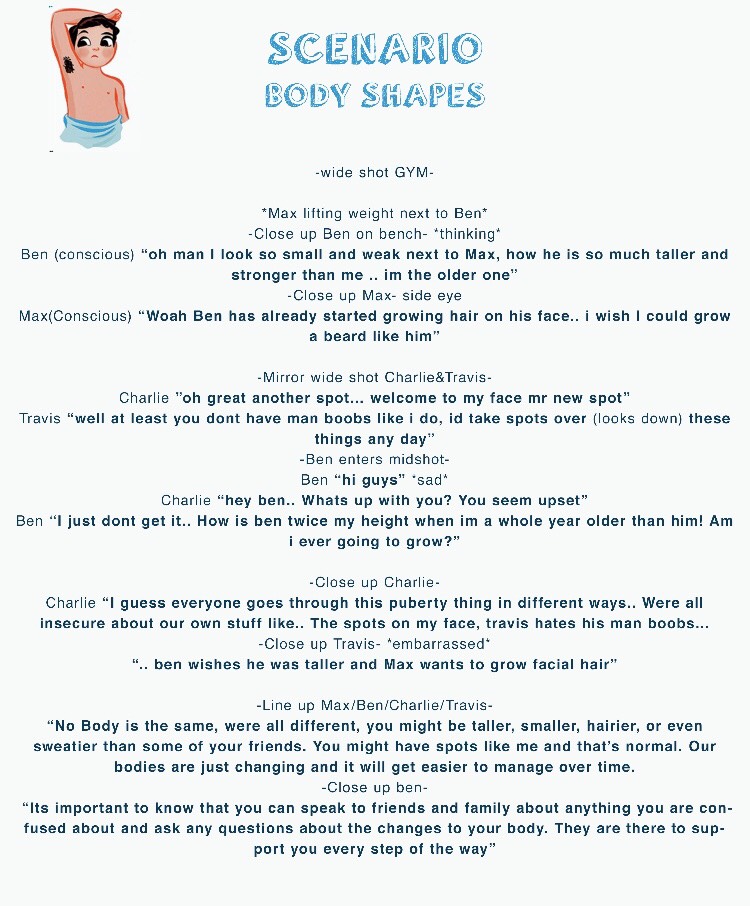
Scenario Scripts

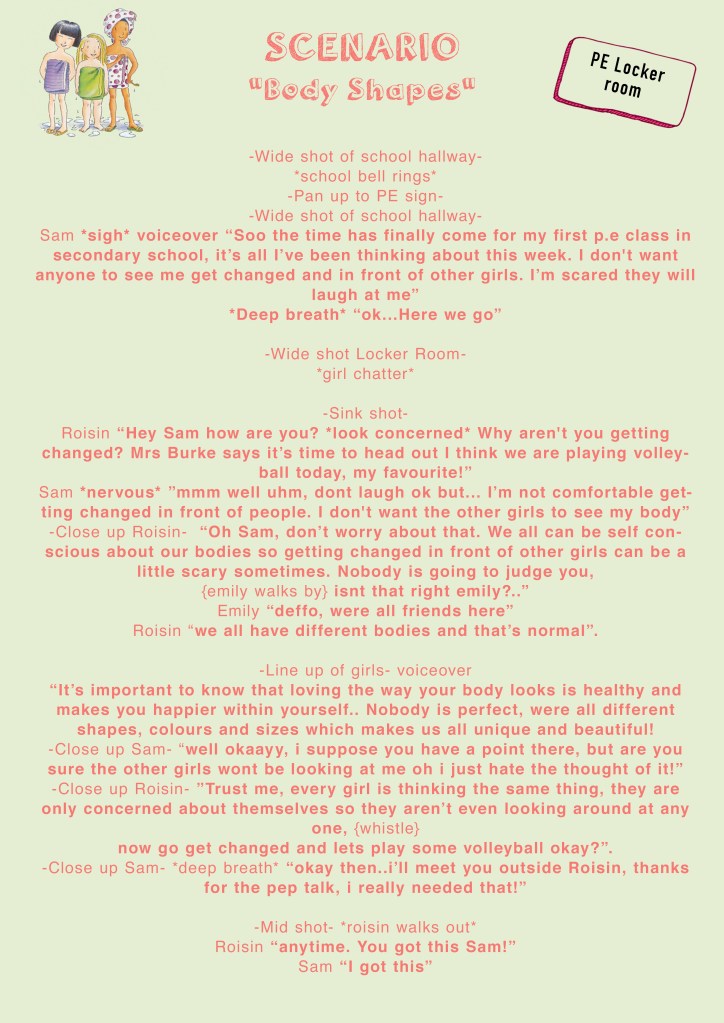
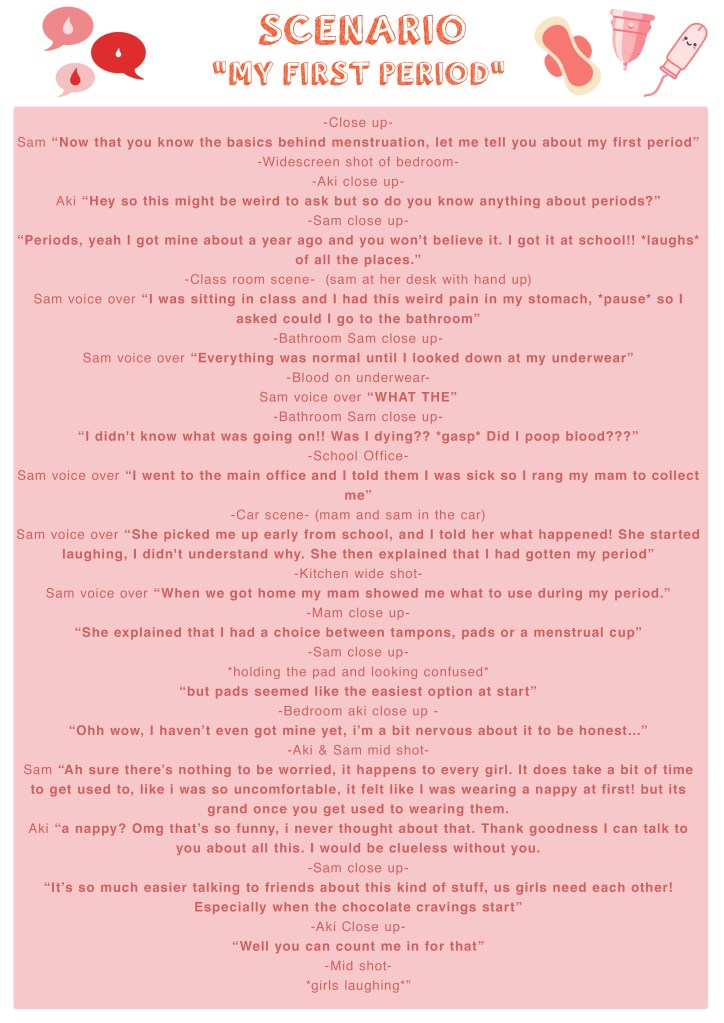
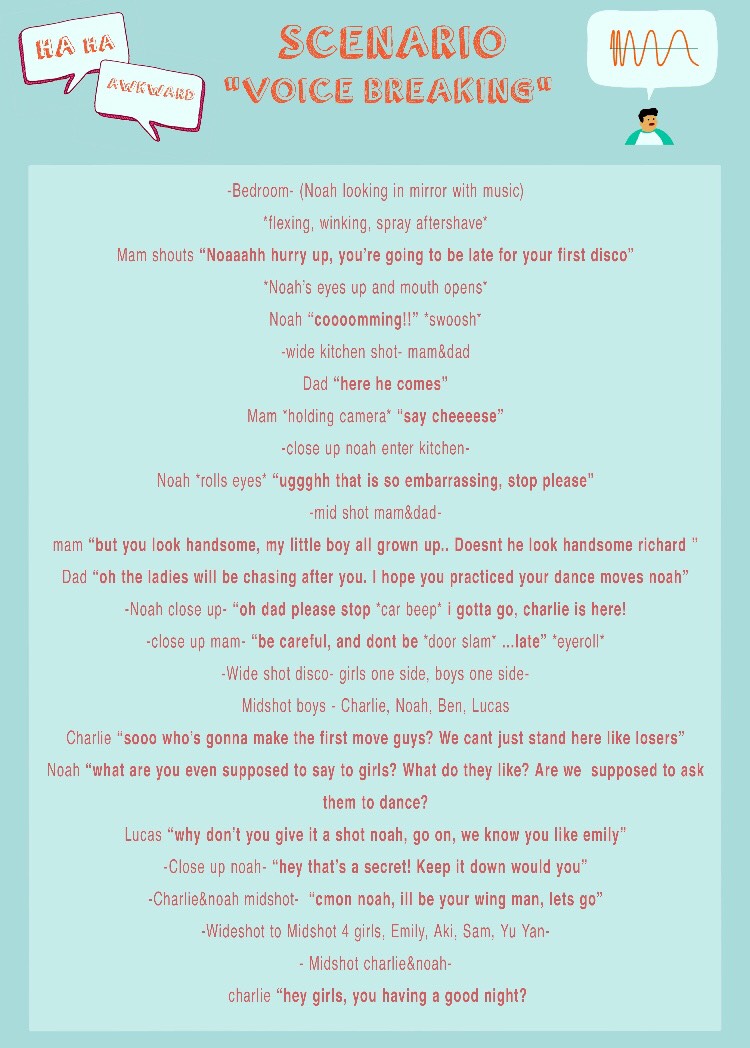
girl body shapesperiod scenario

IMG_4960

IMG_4961

IMG_4962

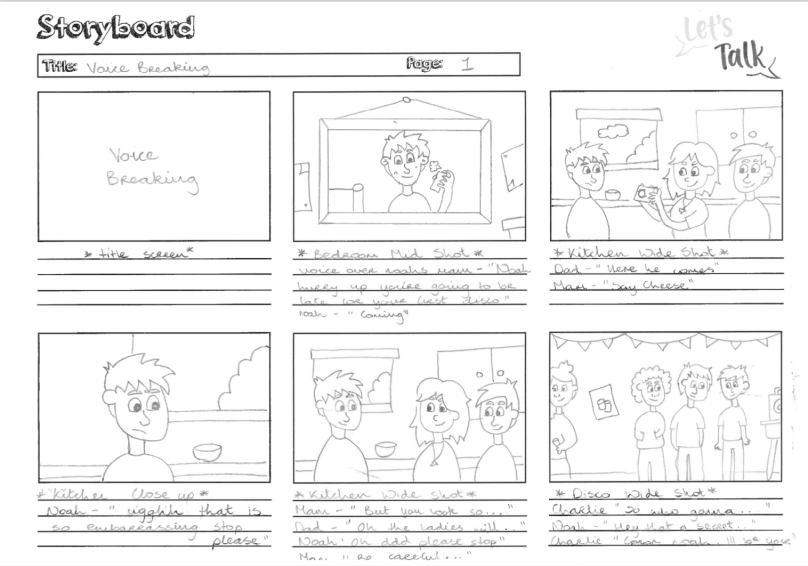
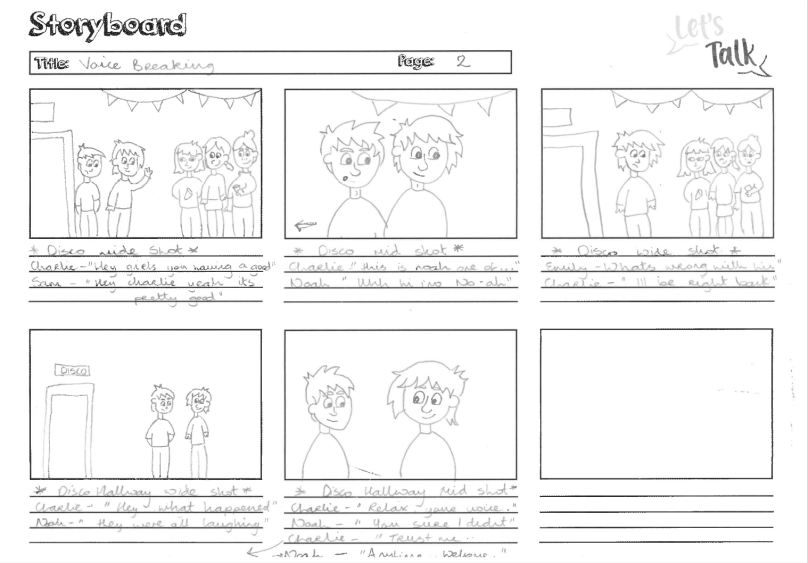
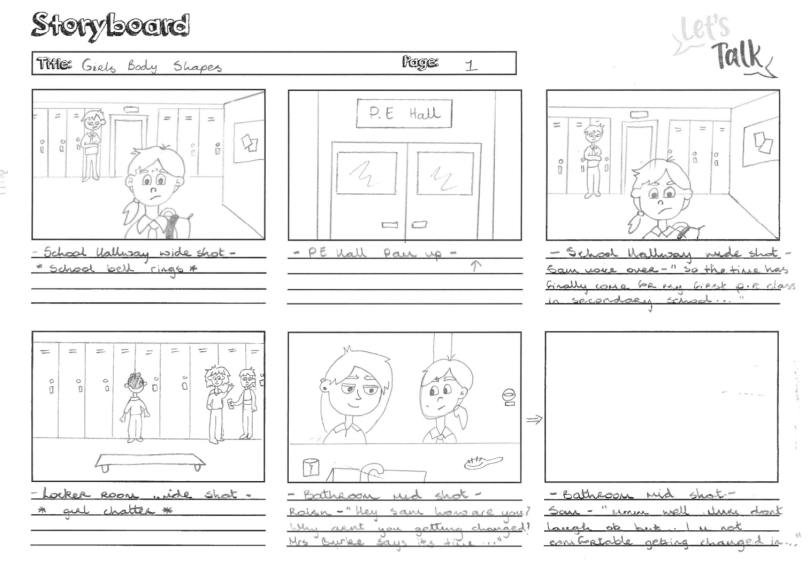
When a script was completed I began creating the storyboard. While drawing the scenes I payed close attention to the placements of the characters, what they were saying and what kind of framing I needed to emulate. I kept in mind my abilities as an animator and what was achievable when using Adobe After Effects and Character Animator.

Scenario Storyboards

Screen Shot 2019-05-13 at 16.23.05.png

Screen Shot 2019-05-14 at 21.58.32Screen Shot 2019-05-14 at 21.58.58Screen Shot 2019-05-14 at 21.59.17

Boys Body Shapes

Screen Shot 2019-05-20 at 09.54.21Screen Shot 2019-05-20 at 09.54.32

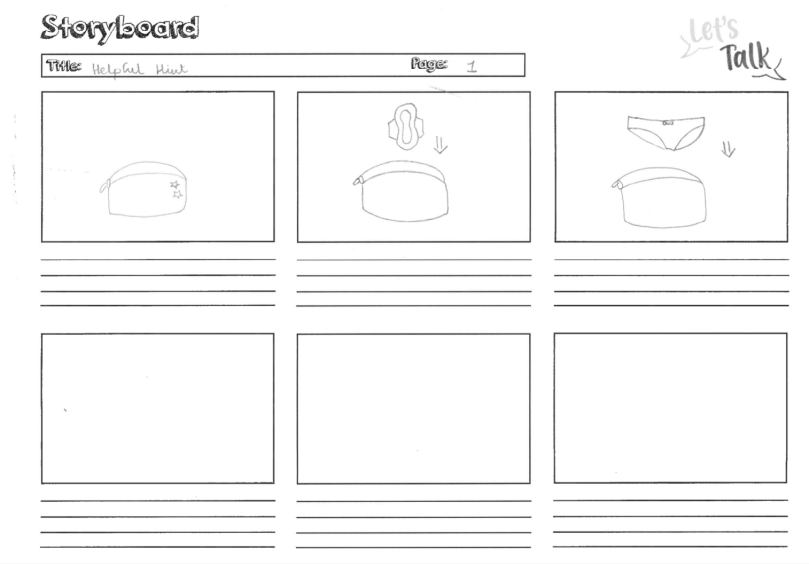
Helpful Hint

Screen Shot 2019-05-20 at 09.55.37.png

Voice Breaking

Screen Shot 2019-05-20 at 09.56.42Screen Shot 2019-05-20 at 09.57.00

Girls Body Shapes

Screen Shot 2019-05-20 at 09.57.55Screen Shot 2019-05-20 at 09.58.13

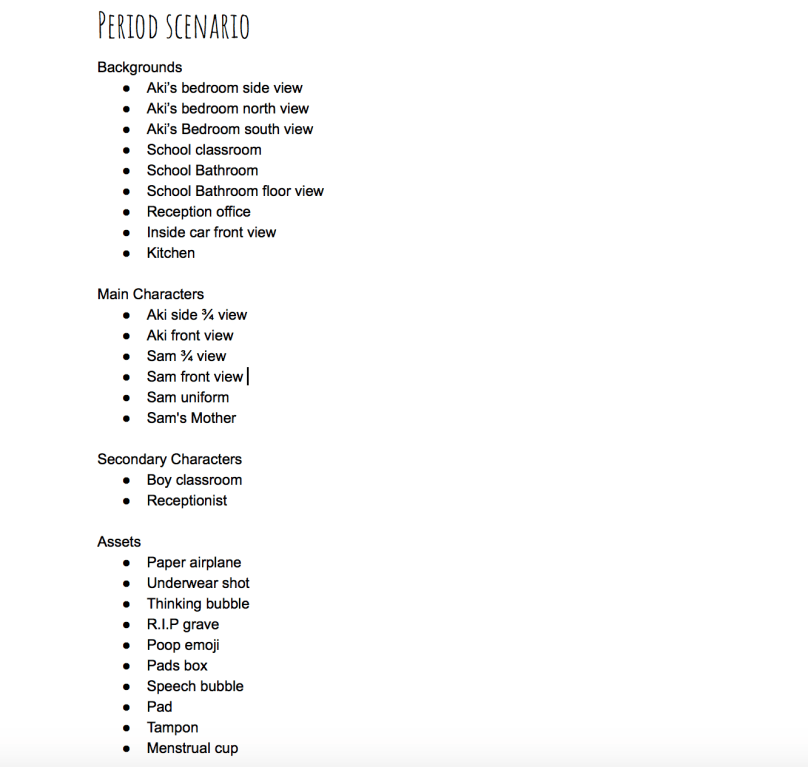
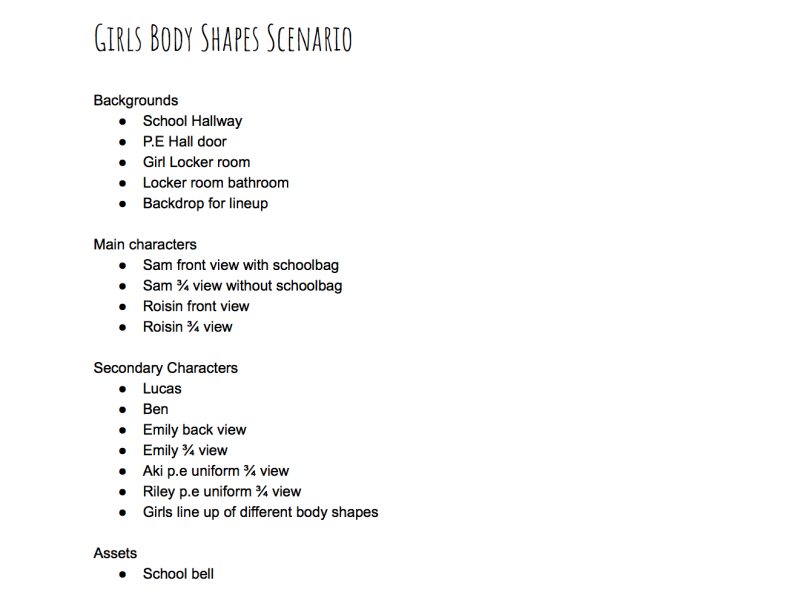
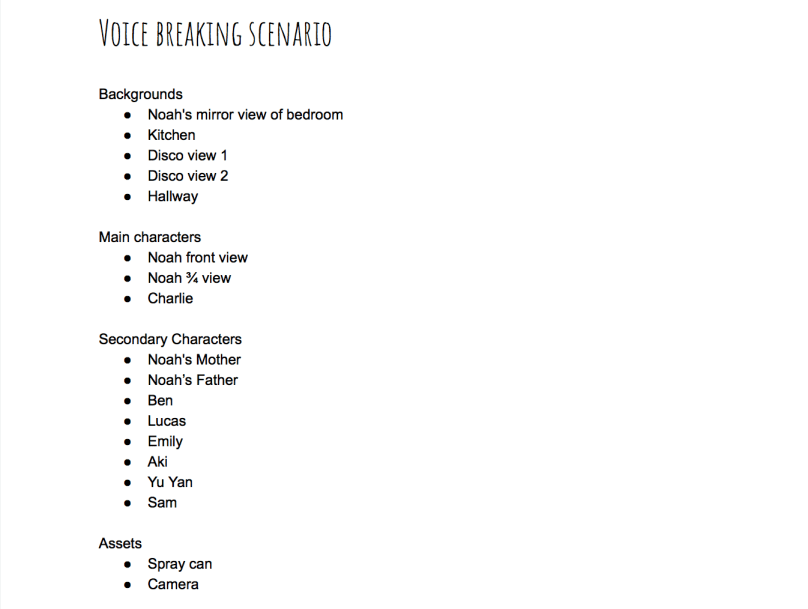
List of assets to be drawn and illustrated

Screen Shot 2019-05-14 at 10.38.31.png

Screen Shot 2019-05-14 at 10.51.56

Screen Shot 2019-05-14 at 11.08.17

References

Burgess, C. (2016). How To Make a Storyboard For Video. [online] Photo & Video Envato Tuts+. Available at: https://photography.tutsplus.com/tutorials/how-to-make-a-storyboard-for-video–cms-26374 [Accessed 20 Mar. 2019].

Laybourne, K. (1998). The Animation Book. New York: Three Rivers Press, pg.100, pg.101. [Accessed 19 Mar. 2019]

Vyond.com. (2018). What Is A Storyboard And Why Do You Need One? | Vyond. [online] Available at: https://www.vyond.com/resources/what-is-a-storyboard-and-why-do-you-need-one/ [Accessed 18 Mar. 2019].

Whitaker, H. and Halas, J. (2002). Timing for animation. Oxford: Elsevier Ltd., p.14. [Accessed 20 Mar. 2019]

Wright, J. (2005). Animation Writing and Development. Burlington: Focal Press, p.201. [Accessed 18 Mar. 2019]

Characterisation

To start I wanted to know what was the definition of Characterisation. According to Collinsdictionary.com, characterisation is the way an author or an actor describes or shows what a character is like. Also a description of the character and their traits of their personality. (Collinsdictionary.com, 2019)

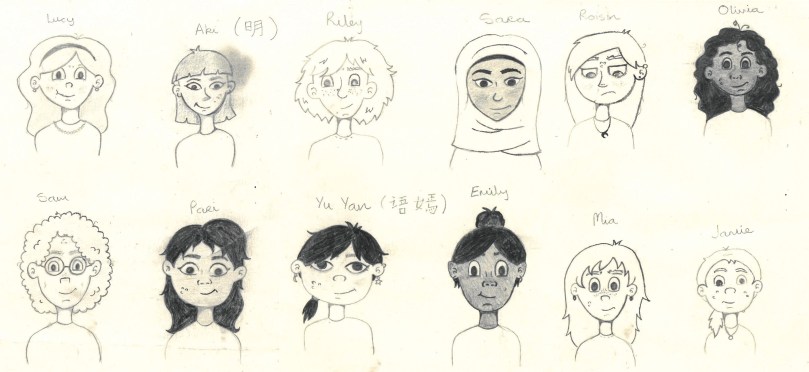
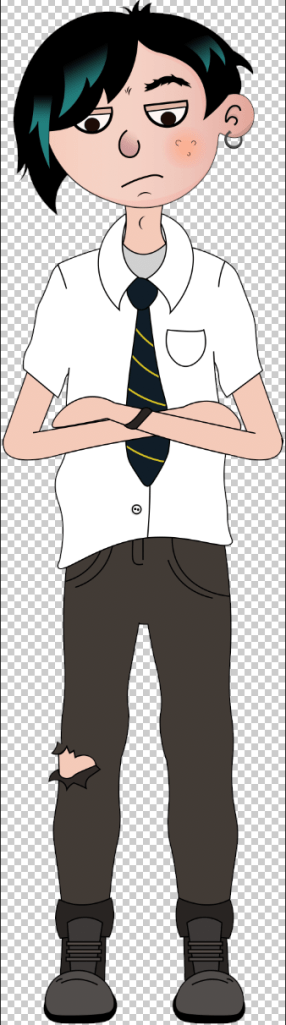
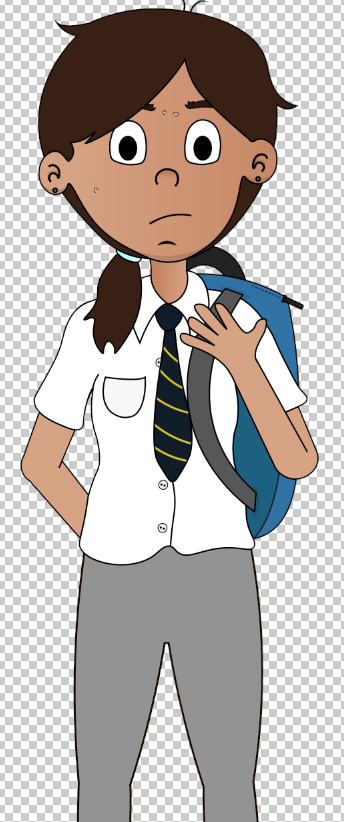
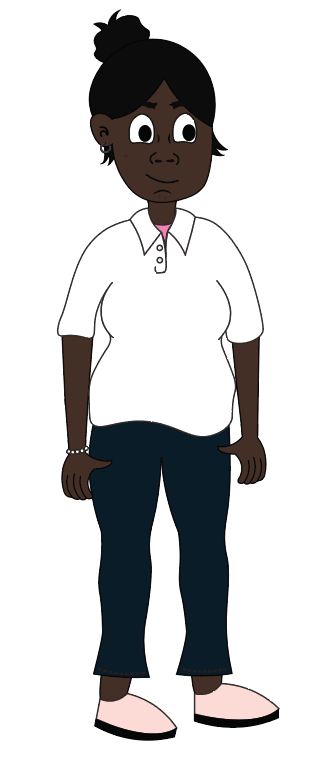
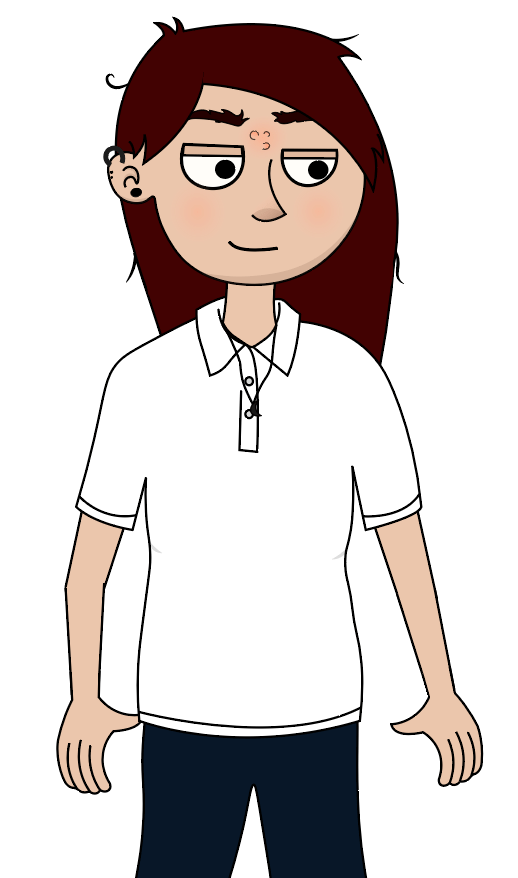
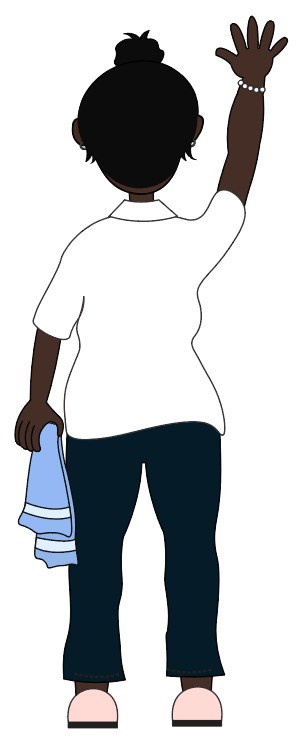
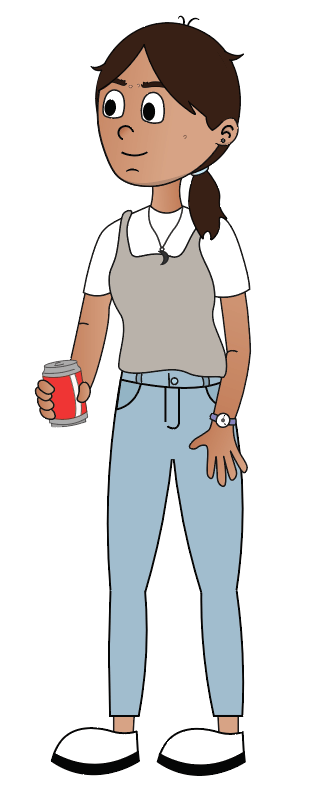
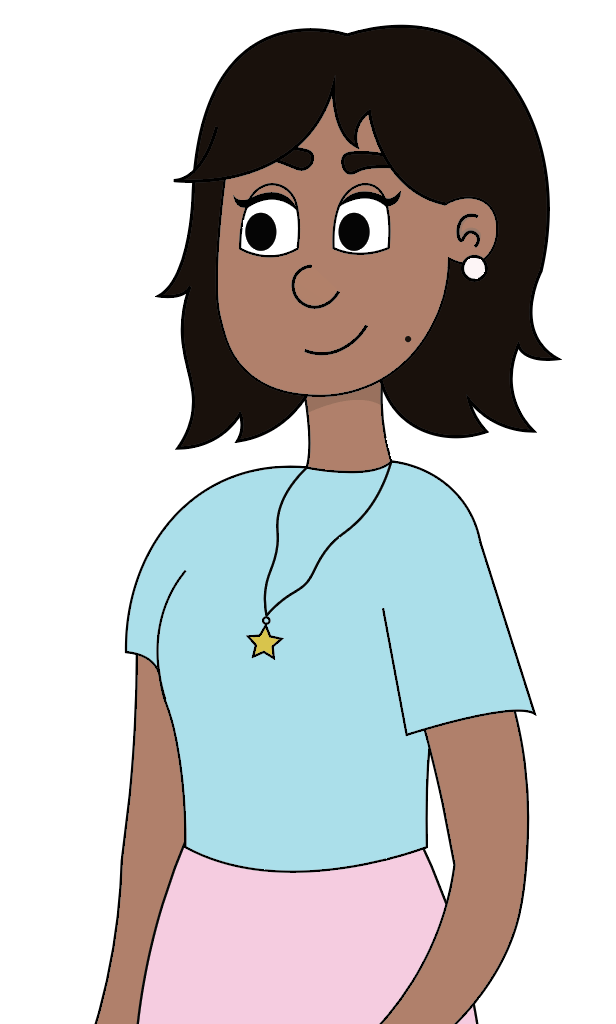
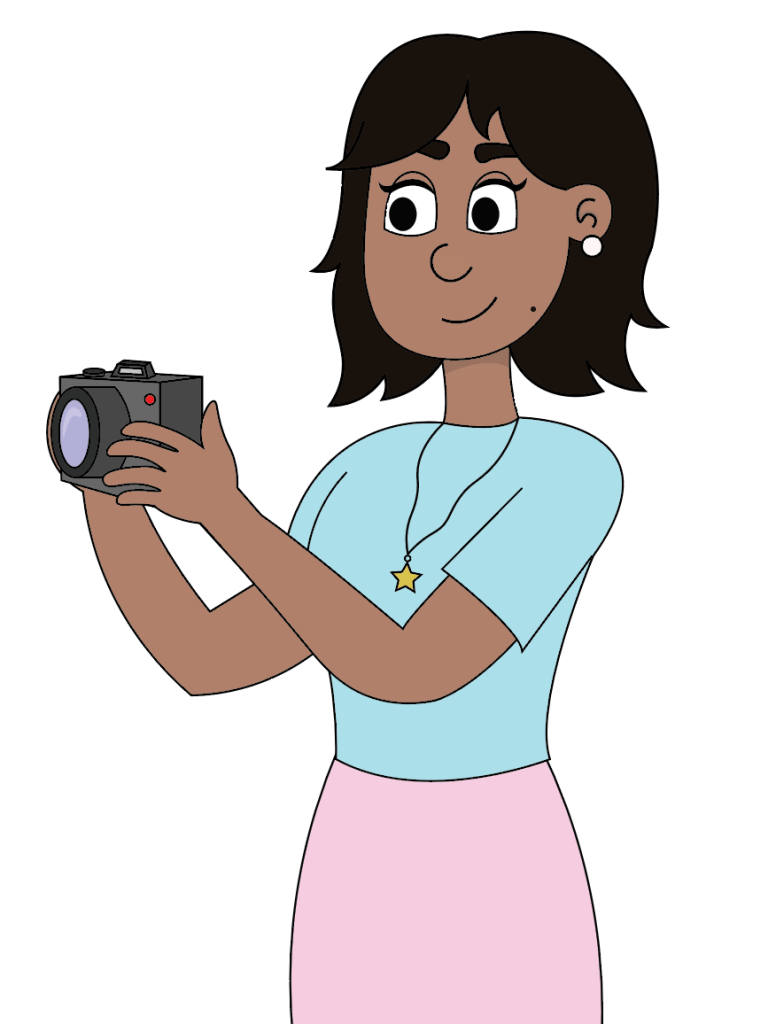
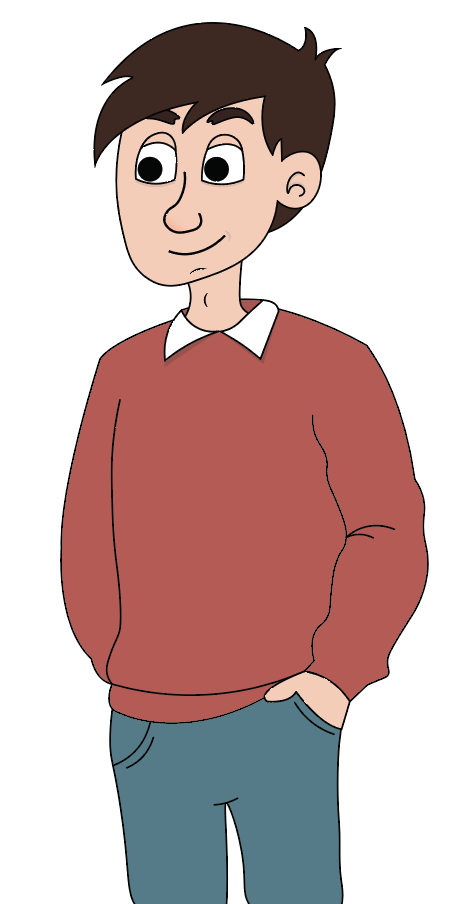
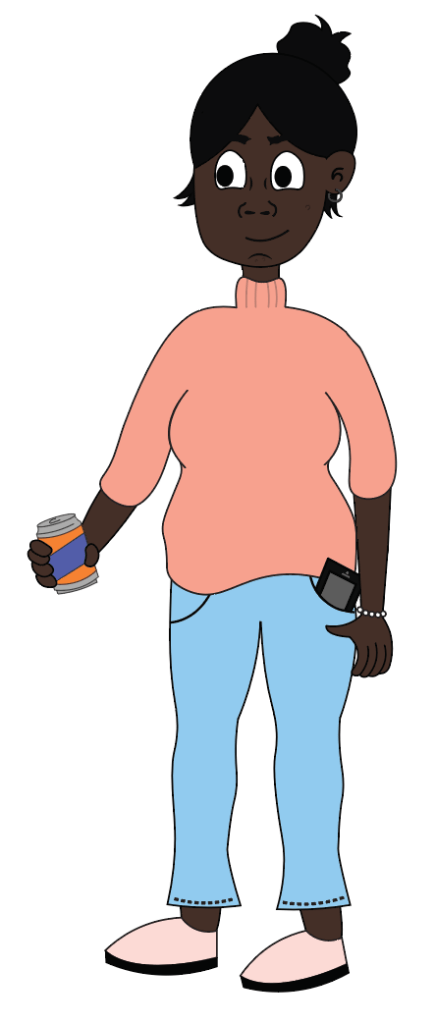
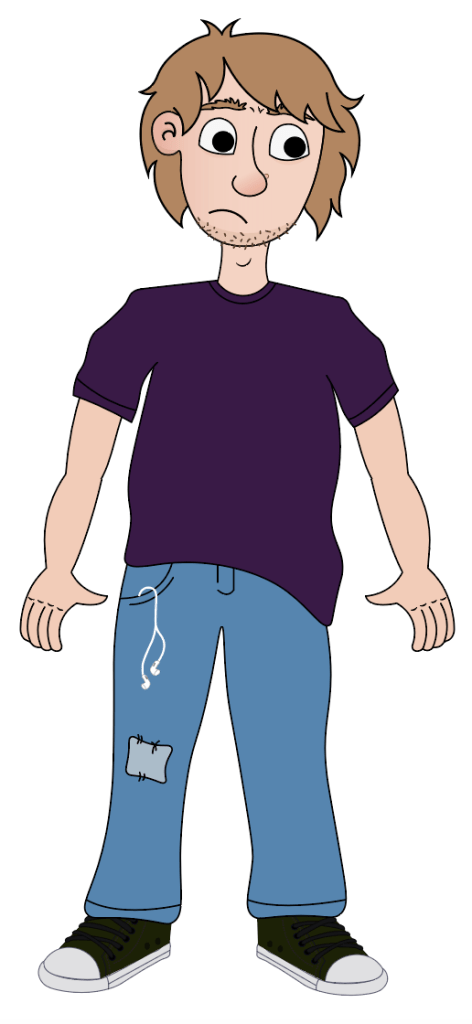
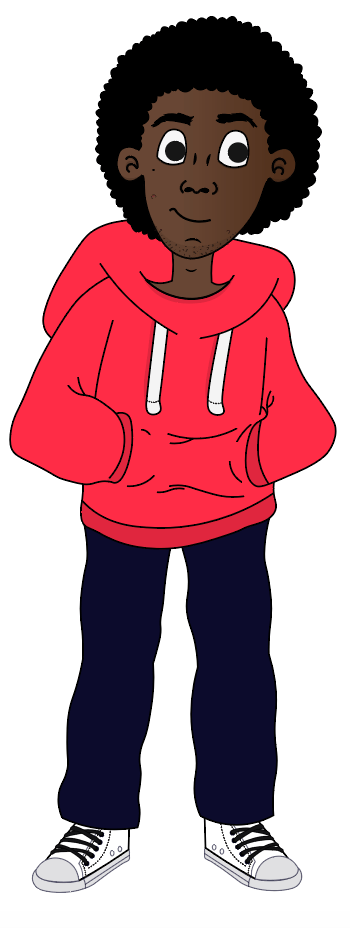
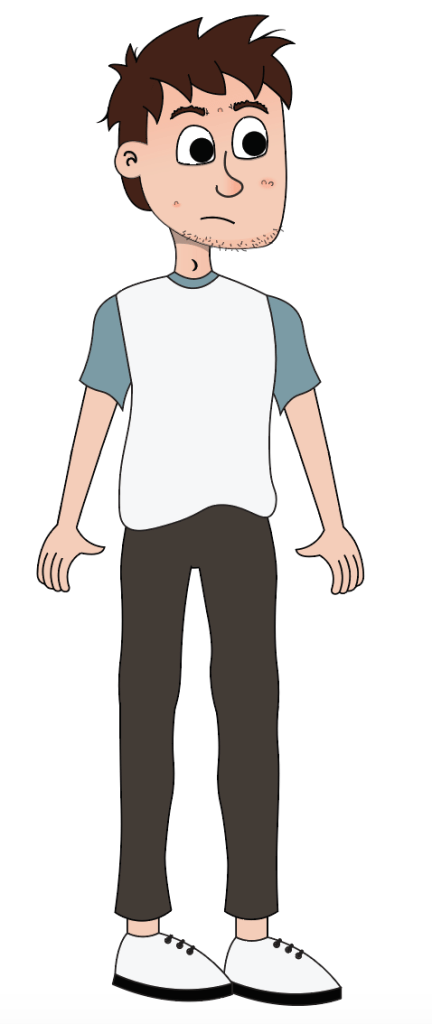
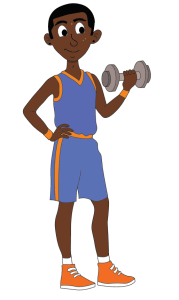
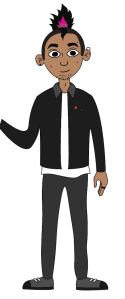
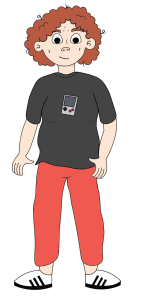
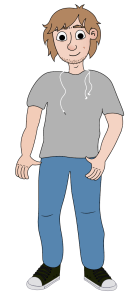
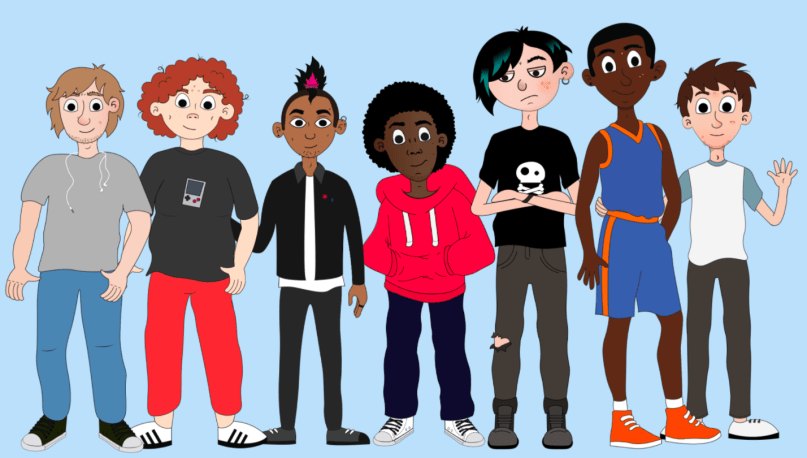
The main goal I wanted to achieve with the characters is to have them all have their own personality and look so that we can have a wide range of people represented throughout the Let’s Talk app. The important idea that everyone is unique in their own way. As our app is targeted at children aged 8-12, therefore the characters personalities will have to be relatable to that age range. My aim is to do this by having characters that have strong personality traits that are common among children of that age.

Good character design is one of the cornerstones of good animation. Designing your character properly will make their personalities jump off the screen. Your audience will know who your characters are immediately and like them. When you pair a great design with a great personality, the results can be wonderful. (Maestri, 2006, p3) I keep this idea at the forefront when I was designing the characters for the app.

A huge part of characterisation is the way a character use their facial expressions and the way they move their body. According to UK Essays for animators gesturing parts of the body mainly the features of the head are very important when creating charactisation for their animation. The eyes, nose, mouth and ears are all vital in creating the illusion of human emotion. They say that there is a general rule when it comes to which shapes go with different characters. Such as kind gentle characters usually have soft rounded faces with wide smiles and larger eyes. I think Tweety is a good example of this idea. But for more evil villains usually have more angular features. They might have a sharp chin and smaller eyes with a crooked mouth that show a wicked grin. I think Esma from Emperors new Grove is a good example of this way to represent a villain in animation. This idea for characterisation can act as a visual shorthand for the viewer. They can optimise the impact of the character by the way they look and how they express their emotions. This helps the viewer to make connections and process the narrative about the characters easier. (UKEssays.com, 2018)

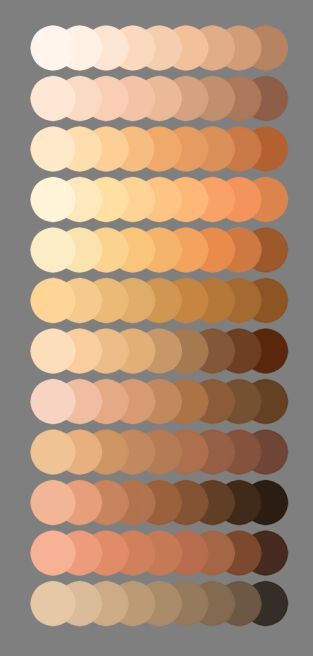
Another vital part when designing the characters was showcasing different ethnicities to make sure the characters were culturally diverse. From watching animations myself the use of different ethnicities is starting to take off with movies such as Moana and Coco. I wanted to reflect this new way of repenting all kinds of people throughout our Let’s Talk app. As puberty is a topic that effects everyone as the grow up, the idea of using a view range of characters was fundamental. Within the world of animation in the past the majority of Disney princes and princesses have been white and thin. Disney animator John Lasseter has been extremely critical about this and is trying to change this way in creative direction. He has said that “It’s very important to us to have female and ethnic characters” (Bell, 2015). So when I am designing the characters for the app I will be conscious about including a wide range of different cultures and races.  

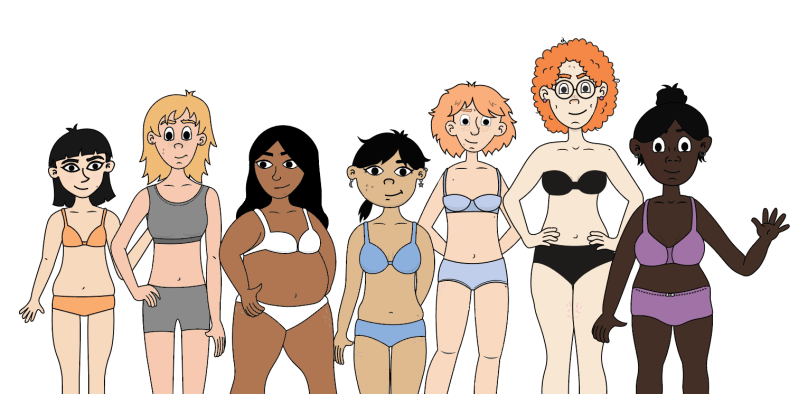
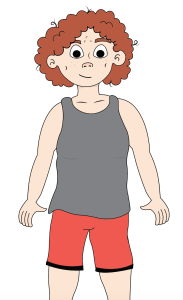
Another fundamental aspect of our character design was drawing different body shapes for boys and girls. I felt this was an important step when drawing the characters. Having a range of body types represented is a huge factor when showing  that the characters were individuals. 

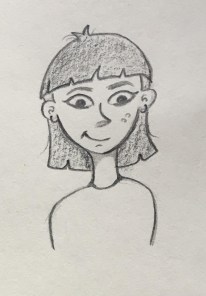
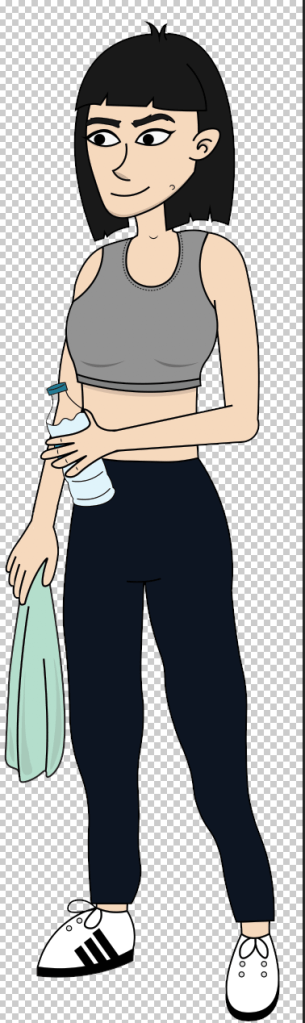
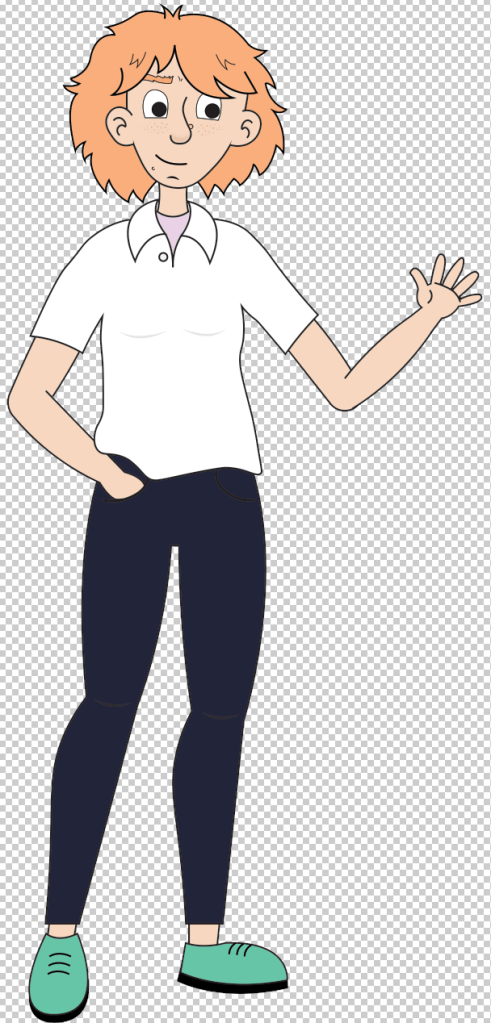
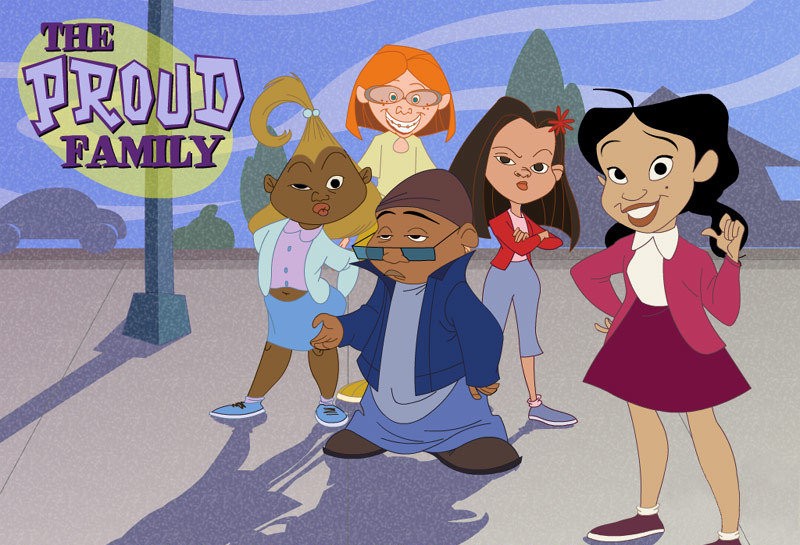
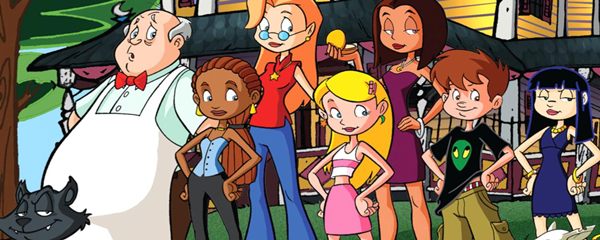
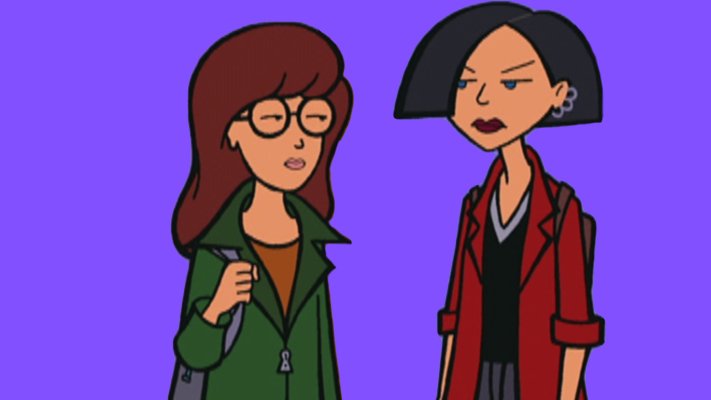
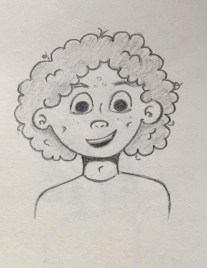
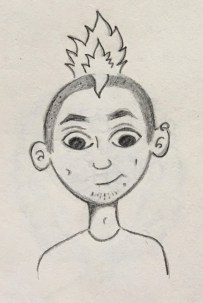
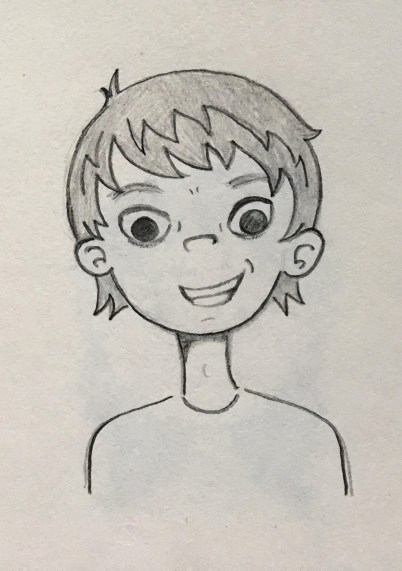
When deciding on what style I wanted for our character I looked at other characters with a similar aesthetic that I wanted to emulate through my design. Looking at animated shows such as “The Proud Family”, “Daria” and “Sabrina, the Animated Series”, they all had teenage characters and I took notes on how they were designed. When designing our range of  characters creating their appeal was one of the main challenges. Having a realistic look by drawing them with imperfect skin and different body shapes was very important. I wanted to draw the characters with unique features such as big noses, spotty skin and messy hair. I also giving them their own personal style and personality which would add to their overall appeal.


Drawing the Characters

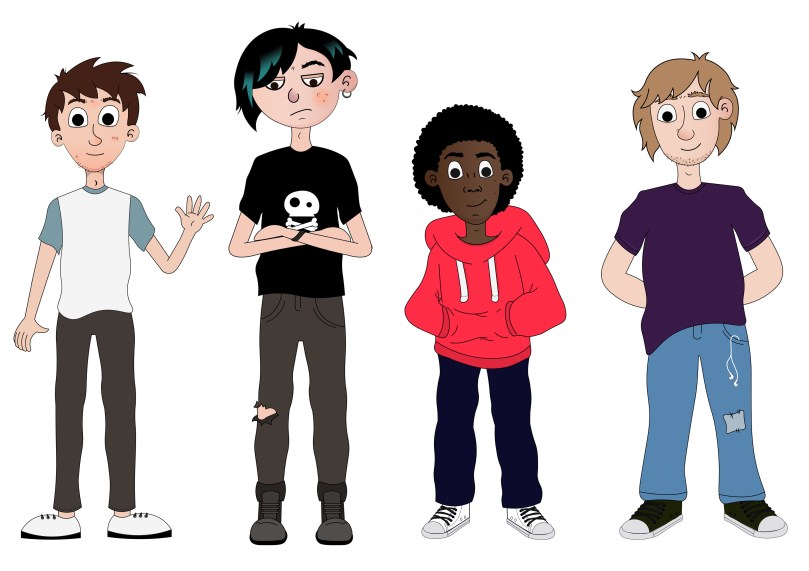
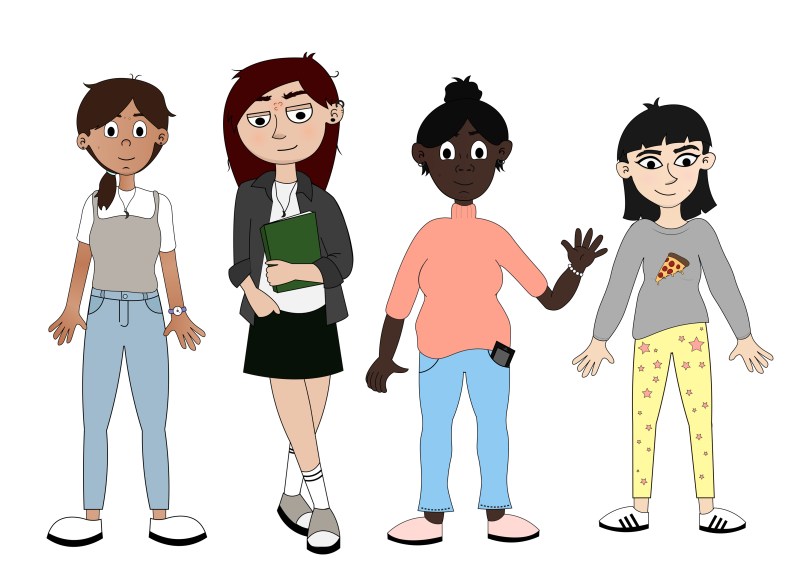
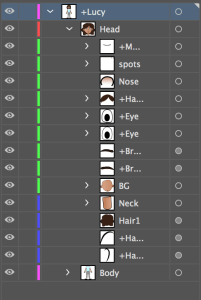
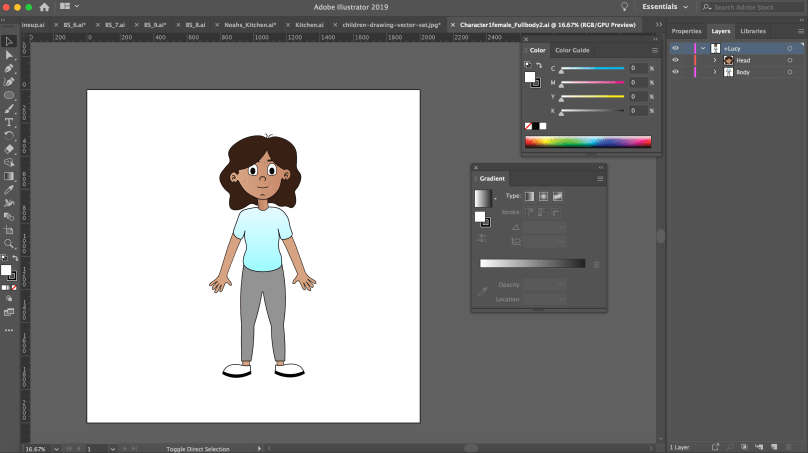
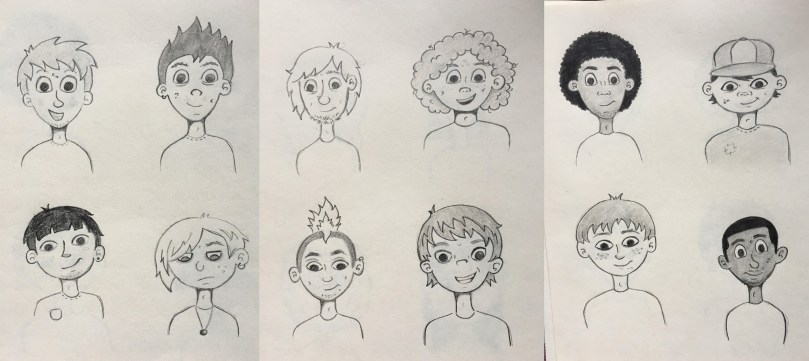
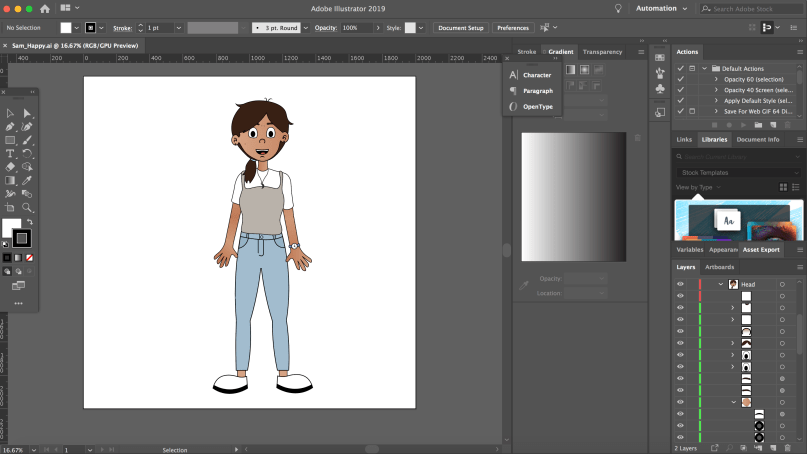
A helpful tip I got from George Maestri book was, as you design, you do need to keep technical considerations in mind. The technical limitations can affect the design and forces it to stay simple. Use the strong points of your software to your advantage, and design around you limitations. (Maestri, 2006, p7) When drawing the characters I kept this in mind. As I would be using Illustrator, Character Animate and After Effects how I drew the characters in a way that all their features where on different layers. After designing 12 male and 12 female characters, I began to give each names and their own personality traits. When choosing names for the characters I thought about their nationality and their personalities. I researched what names were culturally correct to each character. I also used some unisex names. I wanted their names to be inclusive just like their design.

Final designs
Boy_Sketches.jpg

girls.jpg

Character Profiles

Name: Lucy

Traits: Sociable, Cheerful, Questioning
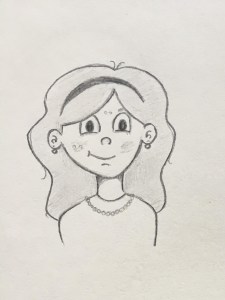
Charcter1female

Name: Aki

Traits: Silly, Outgoing, Active

23.jpg

Name: Sam

Traits: Independant, Hardworking, Shy
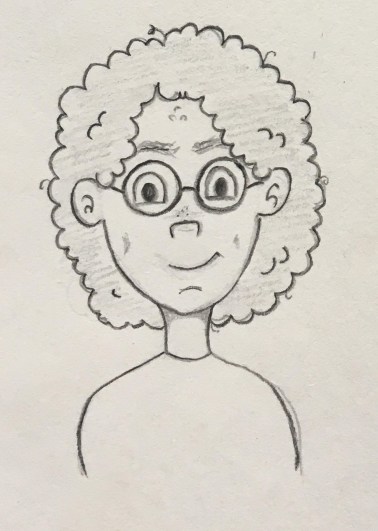
24.jpg

Name: Pari

Traits: Charismatic, Generous, Impatient
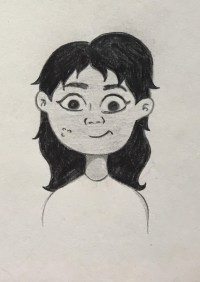
5.jpg

Name: Roisin

Traits: Kind, Loyal, Friendly
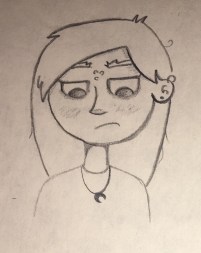
15.jpg

Name: Olivia

Traits: Sporty, Logical, Competitive
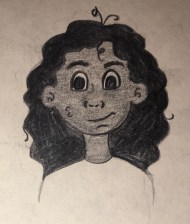
16.jpg

Name: Mia

Traits: Caring, Lyrical, Self conscious
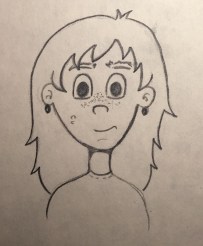
17.jpg

Name: Jamie

Traits: Observant, Creative, Quite
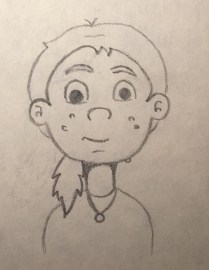
18.jpg

Name: Riley

Traits:  Adventurous, Humorous, Impulsive
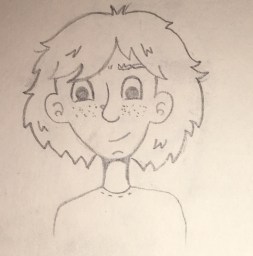
20.jpg

Name: Sara

Traits: Dedicated, Curious, Clumsy
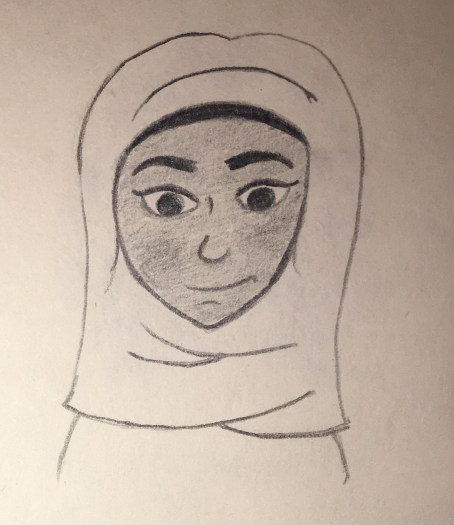
21.jpg

Name: Yu Yun 语嫣

Traits: Imaginative, Crafty, Gullible
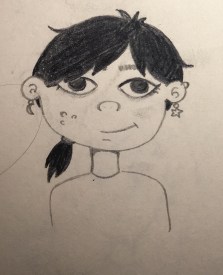
22.jpg

Name: Emily

Traits: Neat, Organised, Controlling
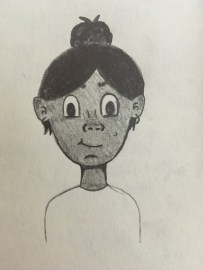
IMG_3823

Name: Noah

Traits: Charismatic, Curious, Demanding
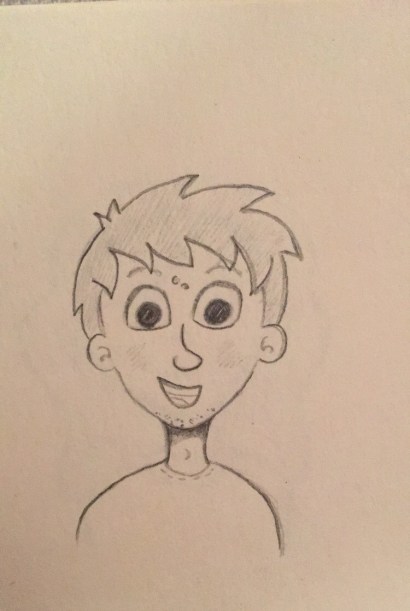
IMG_3807

Name: Jack

Traits: Energetic, Honest, Sarcastic
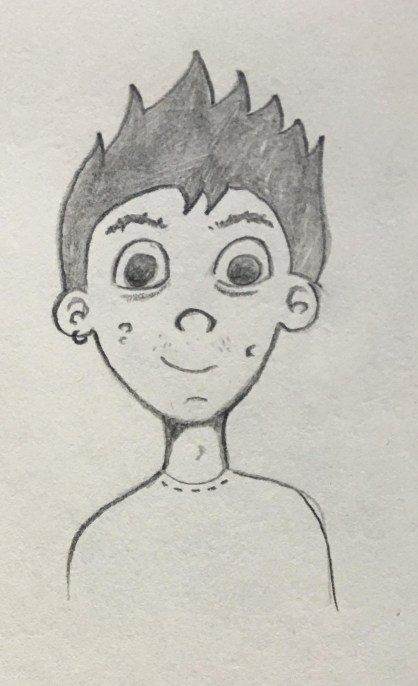
13.jpg

Name: Haruto

Traits: Friendly, Patient, Forgetful
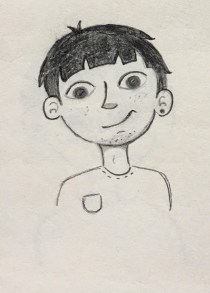
14

Name: Lucas

Traits: Innovative, Freethinking, Gloomy
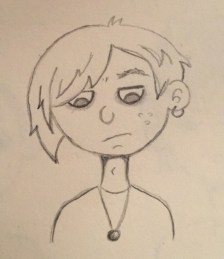
img_3808.jpg

Name: Ben

Traits: Funny, Confident, Lazy
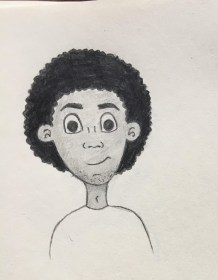
Character3.jpg

Name: Min-Jun

Traits: Sociable, Mischievous, Witty
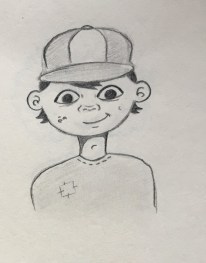
10.jpg

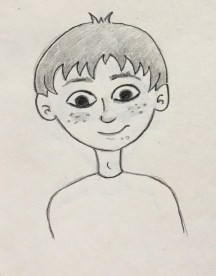
Name: Sean

Traits: Lazy, Playful, Relaxed
11.jpg

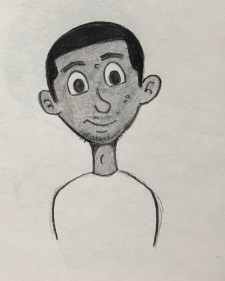
Name: Max

Traits: Trusting, Genuine, Reserved
12.jpg

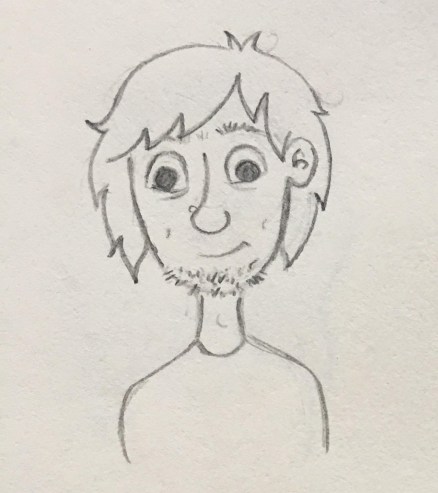
Name: Charlie

Traits: Quirky, Dependant, Selfless
character4.jpg

Name: Travis

Traits:  Sensitive, Kind, Curious
7.jpg

Name: Dylan

Traits: Spontaneous, Colourful, Stubborn
punk.jpg

Name: Li Wei

Traits: Fearless, reactive, impulsive
9.jpg


Voice acting

Having good voice acting is another way to add to the characterisation of a character. “A good script and voice performance will help your character appear real and will make their personalities pop off the screen” (Maestri, 2006, p276)

Characters characteristics and qualities are defined by a persons personality. It is also important how they use their voice. Whether the character is an introvert or extrovert arguably their voice can have a big impact on how they engage in conversation and the types of dialogue they choose to build. Their personally traits play a major role in defining their voice. So take time when deciding their personality. (Kieffer, 2018)

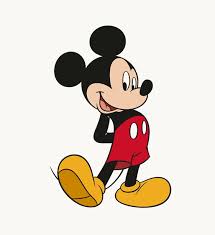
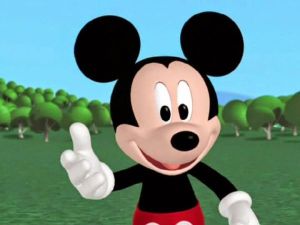
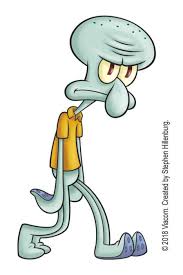
From my own knowledge characters with a distinctive voice adds to their personality. For example Squidward from the show Spongebob Square Pants has a dull drawn out voice which highlights his personality traits such as gloomy, depressed and annoyed. Another character is Mickey Mouse his hi pitch voice compliments his happy personality traits.
UnknownUnknownm

So when deciding what voice actors to use within the Let’s Talk app keeping this idea in the forefront of my mind will help to chose the correct voice for each character.

References

Bell, C. (2015). Here’s How Animation Is Paving The Way For A More Diverse Hollywood. [online] MTV News. Available at: http://www.mtv.com/news/2244276/animation-diversity-hollywood/ [Accessed 26 Feb. 2019].

Collinsdictionary.com. (2019). Characterization definition and meaning | Collins English Dictionary. [online] Available at: https://www.collinsdictionary.com/dictionary/english/characterization [Accessed 27 Feb. 2019].

Kieffer, K. (2018). How to define your characters unique voice. [Blog] Well-storied. Available at: https://www.well-storied.com/blog/how-to-define-your-characters-unique-voice [Accessed 6 Mar. 2019].

Maestri, G. (2006). Digital character animation 3. Berkeley, Calif.: New Riders, p.3. p.7 p.276

UKEssays.com. (2018). Characterisation in 2D Animations. [online] Available at: https://www.ukessays.com/essays/animation/characterisation-in-2d-animation.php#citethis [Accessed 26 Feb. 2019].



How to design characters

For the Let’s Talk app we knew we wanted to implement animated scenarios. With this idea designing appealing and relatable characters was key. Our goal with the characters was thorough their design and animations that it would form a connection with the viewer and encourage them to become engaged with the topic of puberty. Having the characters discus their experiences during puberty within different scenarios will help show their humanity.

How to design and create a character

The starting point when creating a character is the design. “The creation of convincing characters is fundamental to the success of a visual narrative.” (Salisbury, 2004) Bringing the character to life is very important when designing. Design is all about making choices through your artist and technical side, the combination of both can lead to a well thought out character. But before you can start the technical side which includes illustrating, texturing and rigging. You have to design it carefully. Getting to know your characters personality and then making choices on how to communicate this visually. When designing the character making decisions about their size, shape, texture, colour and clothing is important. Then combining this with the technical side, because well designed characters are easy to animate and this makes the animators job better and more creative. Good character design is vital when it comes to good animation. (Maestri, 2006)

According to George Maestri “First and foremost, a well-designed character coveys personality. Your character should also be well-proportioned and appealing to the eye. In addition to your character’s outward appearance, you also need to design with animation in mind, understanding your software and what it needs to animate a character successfully” (Maestri, 1996) As I will be using Adobe Character Animator  and After Effects as the technical software to create my animations, I will keep this advice in mind as each software requires a different method of drawing my characters in order to animate them successfully. “Simplicity is the key to designing good characters. Many times, the most amazing characters turns out to be the simplest to construct.” (Maestri, 1996) My character design will be simple which will be a great benefit when I start illustrating and animating them. I will be creating flat vectors of my characters with limited parts as it will help with keeping track of them when animating, also it will be less likely to slow own my laptop when working.

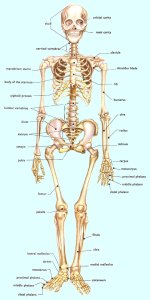
For the app as the characters are human having a realistic design is essential. Understanding anatomy is really important when drawing a human. Knowing the basic structure of the human skeleton is needed to know how your character should move in a realistic way. (Maestri, 1996)

human_skeleton

Designing realistic characters

Head and Body Proportions: The most important is the ratio of the head to the body. The average human height is seven to eight heads tall, making a character taller than this can make them look more powerful like a superhero.

Face: It is the centre of the character, a good design will immediately show the viewer who the character is and what they are feeling. Faces can be a variety of shapes and sizes.

Eyes: The eyes of the character will give the viewer a lot of information. Eyes are very important and most designers will make them larger so they can be seen more clearly. The size of the eyes in relation to the face can also give clues to the characters personality. Mostly bigger eyes are cuter, more childlike where as smaller eyes can indicate a villain. Eyes express emotion through the lids making them more narrow or wide changes the eye shape. Using the lids different expressions can be conveyed.

Brows: Brows work together with the eyes to convey emotions. Raised eyebrows might show that the character is surprised and by lowering them can convey anger. Using good brow emotion is important and the design will affect the way they will work.

Mouths: They are highly expressive and come in a huge variety of shapes, so designing them correctly is important. Using replaceable mouths for animation can be used to give a stop motion feel. Expressing different emotions with the mouth is effective as it adds to the overall expression.

Hands: Apart from the face, hands are a very expressive part of the body. Many characters use their hands to express gestures. Well designing hands allow the character to express themselves more clearly. You can slightly oversize the hands for a cartoony look. If the design is realistic keep the proportion of the hands realistic too. The main challenge with hands is connecting the hand and arm. As it is a very flexible joint attaching the two can be tricky. To help with this using a wristband or long sleeve shirt can hide the seam, which allows you to create the hand separately and avoid a technical issue.

Feet: On a human character, feet are small in relation to the body. The feet should be as long as the characters forearm. When animating drawing the foot inside the shoe isn’t needed just having the shoe attached to the leg at the ankles is fine.

Clothing and other accessories: Clothing tells the viewer a lot about your character, like who the character is and how they should be perceived. When designing characters and their clothing be original and avoid stereotypes where possible.

(Maestri, 2006)

Finalising Your Design

The first step in finalising your characters design is to sketch them onto paper. Keeping in mind the software you will use as this affects the way you draw the character because it will have to be drawn in a certain way to work within your choice of software. Drawing the character in specific poses is needed. You will need a front and side view. Draw the character with their arms outstretched in the front view this will help with rigging later. (Maestri, 2006)

Tips on designing a character

1.Who is your character for: Your audience is key to how you will design the character. For example designing for young children would usually include the use of basic shapes and bright colours.

2.Where will the character appear: Where will the design be seen and what medium. This will affect the design because if the character will be used for a phone having a simple design would look better instead of having a lot of detail.

3.Reaserching other designs: This can be helpful when identifying what works and what doesn’t. Studying other illustrated/animated characters from tv, books, film etc, can be a benefit to see how they are successful and what people like about the design.

4.Making the characters distinctive: The characters you design must be visually strong and interesting to get the viewers attention.

5.Keeping your design simple: Having a simple design helps when rendering your animation and it allows you to convey necessary information that you want the viewer to see.

(Staff and Arts, 2019)

Taking notes on other animation styles

I started with researching other characters with a similar aesthetic that I wanted to emulate through my design. Looking at animated shows such as “The Proud Family”, “Daria” and “Sabrina, the Animated Series”, they all had teenage characters and taking notes of how they were designed. 

1*TWNyQZ2TJ8f-ISBKlVyxYw

banner_1476Daria_1412976756283

I like that they all had their own style. They had a realistic look of drawing the characters with imperfect skin and different body shapes.  The characters have unique features such as big noses, spotty skin and messy hair. I also like that they had their own personal style and personality to add to their appeal. I took note of this when designing the characters for the animated scenarios. 

References

Maestri, G. (2006). Digital character animation 3. Berkeley, Calif.: New Riders, p.3, p11, p12, p13, p14, p16, p18. [Accessed 1 March 2019]

Maestri, G. (1996). [Digital] character animation. Indianapolis: New Riders, p.10, p13 [Accessed 1 March 2019]

Salisbury, M. (2004). Illustrating children’s books. London: A&C Black Publishers, p.62. [Accessed 2 March 2019]

Staff, C. and Arts, C. (2019). 25 top character design tips. [online] Creative Bloq. Available at: https://www.creativebloq.com/character-design/tips-5132643 [Accessed 2 Mar. 2019].

Character Animator CC

From my previous knowledge on creating animations I have exclusively used Adobes After Effects. When talking with my lecture on the best way of creating the animations for the app, the application of Adobe Character Animator CC came up. I have never used the software before so my first task was to learn how it worked. Adobe Character Animator CC is a software that allows for the animation of characters facial expressions and body movement by combining live motion capture through a webcam with a multi track recording system were you can control layered 2D characters that are drawn using Illustrator or Photoshop. (Adobe.com, 2019)

After reading up on what the software, I downloaded it onto my laptop. The best source of information I could find on how to use Character Animator was the Youtube Channel “Okay Samurai”. The channel is run by Adobe Character Animator designer Dave Werner. (Werner, 2019) He has multiple videos on how to use the software. I started watching his video “Making Your First Character- ARCHIVED (Adobe Character Animator Tutorial)” (Werner, 2019), as I watched I took notes on how to draw a character in illustrator. I found it great that Illustrator and Character Animator are linked, so when I need to change something with the Illustrator file it would automatically change in Character Animator. I learned how to label the layers correctly, how to a-range the layers, the importance of putting “+” in front of layers that could move independently within Character Animator and how to group paths together to form a group. 

Screen Shot 2019-04-25 at 14.35.02

Screen Shot 2019-04-25 at 14.34.47

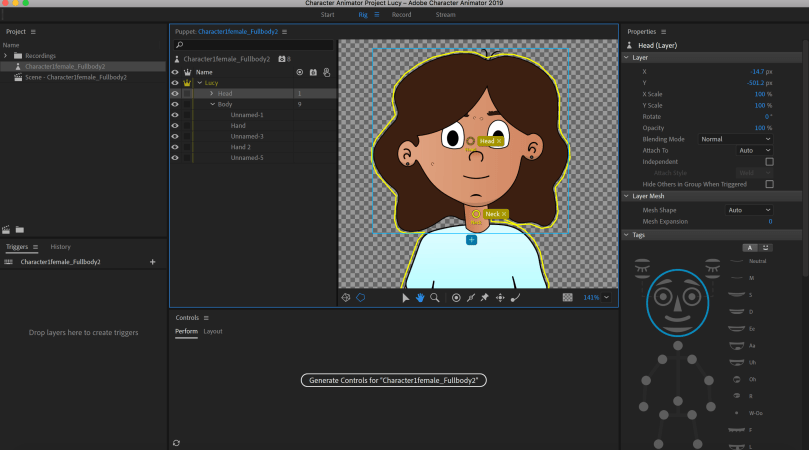
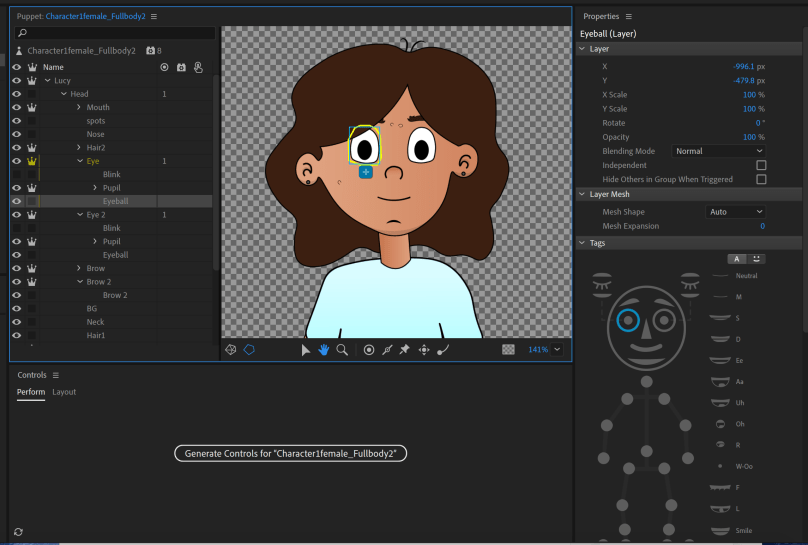
The next thing I learned how to highlight the layers I had created in Illustrator and tag them within Character Animator. When I had them all tagged correctly I went back into my scene.

Screen Shot 2019-04-25 at 14.32.47.png

Screen Shot 2019-04-25 at 14.33.16

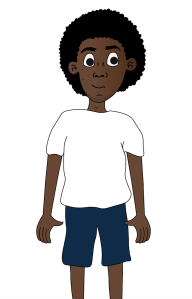
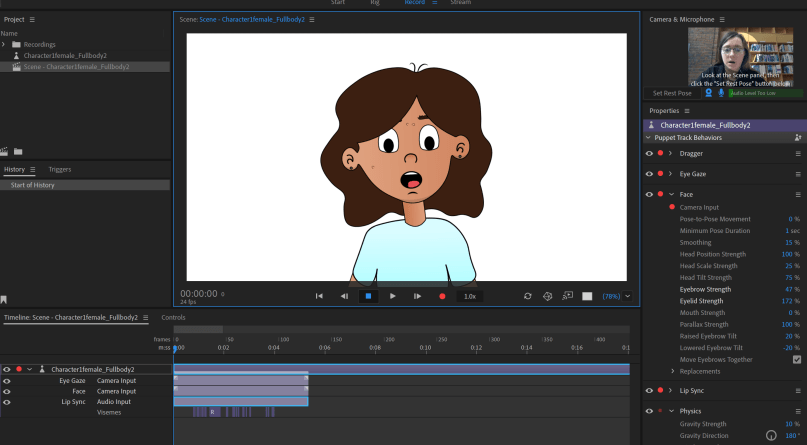
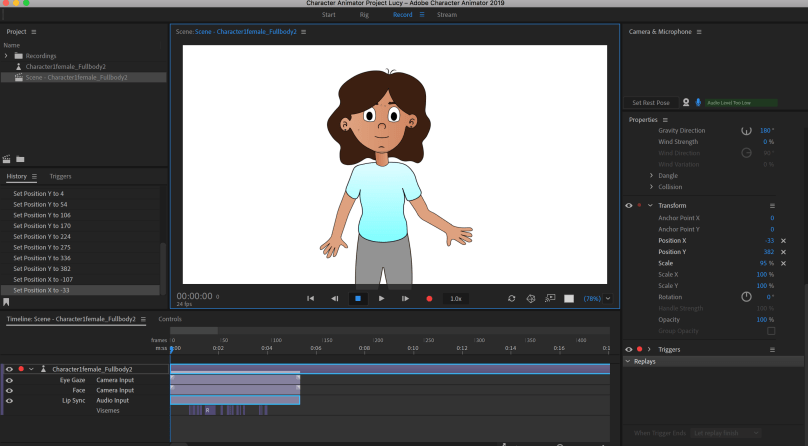
The next step was experimenting with my facial expressions to see if the character would move. I learned that moving my own face would tigger the character to copy. The character would copy my blinking, head movements and lip sync.

Screen Shot 2019-04-25 at 14.33.39

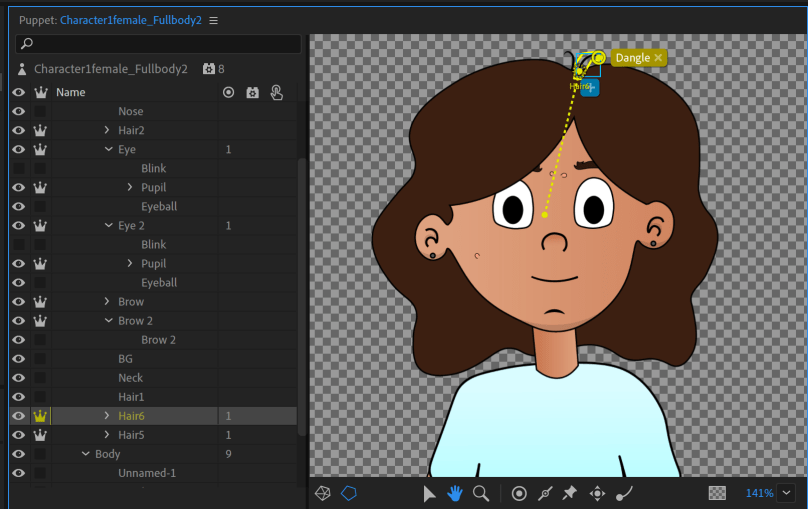
The next thing I learned from the video was the features of dangle tool and fixed tool. First the dangle tool, it is important that within illustrator the layer you want to use the dangle tool on must have a “+” in front of the name so that they can move on their own. I dragged the origin handle to the bottom and then used the dangle tool to place a marker. This gives the effect that the hair is moving independently.

Screen Shot 2019-04-25 at 15.00.51

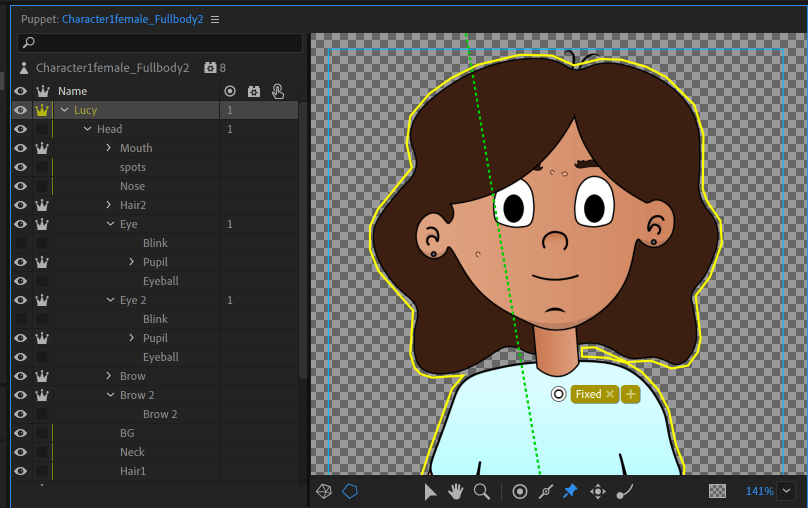
The second feature I learned about was the fixed tool. This tool is handy as it will keep the character moving from that spot when animating.

Screen Shot 2019-04-25 at 15.01.11.png

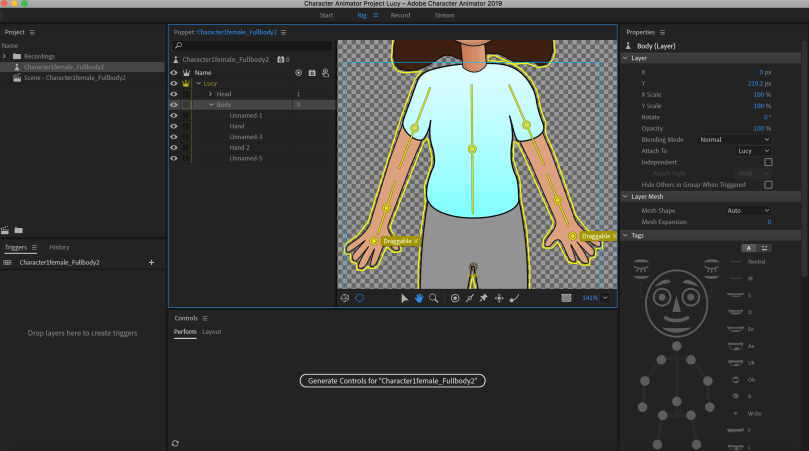
Then I learned about the draggable and stick tools. These tools are used when creating movement for the body of the character. Placing a draggable mark on the hands of the character allowed me to move them. But to make this more realistic I added the stick tool along the top and bottom of the arm. When move the arm now it bends at the elbow.

Screen Shot 2019-04-25 at 14.32.32.pngScreen Shot 2019-04-25 at 14.57.05.png

Recording and Editing

Screen Shot 2019-04-25 at 15.38.44

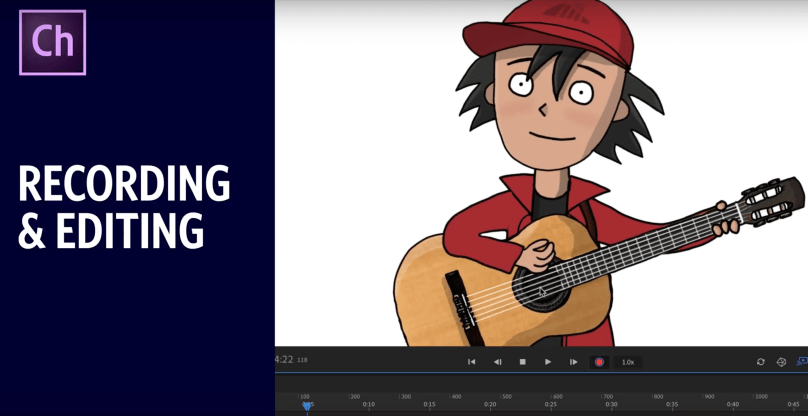
To learn how to record and edit within Character Animator I watched Dave’s video called “Recording & Editing (Adobe Character Animator Tutorial)” (Werner, 2018). I learned the best techniques for recording and editing such as arming and disarming behaviours, blending multiple performances together and fixing lip sync tracks.

The knowledge gained by studying this YouTube channel developed a new skill that was highly useful when creating the animations for the Let’s Talk app.


References

Adobe.com. (2019). Buy Adobe Character Animator | 2D character animation software. [online] Available at: https://www.adobe.com/ie/products/character-animator.html?gclid=EAIaIQobChMIrKmYiP3q4QIVlvhRCh0_swriEAAYASAAEgKcevD_BwE&sdid=88X75SKS&mv=search&ef_id=EAIaIQobChMIrKmYiP3q4QIVlvhRCh0_swriEAAYASAAEgKcevD_BwE:G:s&s_kwcid=AL!3085!3!340726103906!e!!g!!adobe%20character%20animator%20cc [Accessed 10 Feb. 2019].

Werner, D. (2019). Okay Samurai. [online] YouTube. Available at: https://www.youtube.com/user/okaysamurai [Accessed 13 Feb. 2019].

Werner, D. (2016). Making Your First Character – ARCHIVED (Adobe Character Animator Tutorial). Available at: https://www.youtube.com/watch?v=_smLXODTd6U&t=918s [Accessed 13 Feb. 2019].

Werner, D. (2018). Recording & Editing (Adobe Character Animator Tutorial). YouTube. Available at: https://www.youtube.com/watch?v=XolxHNixBpA&t=31s [Accessed 15 Feb. 2019].


Appeal of animation

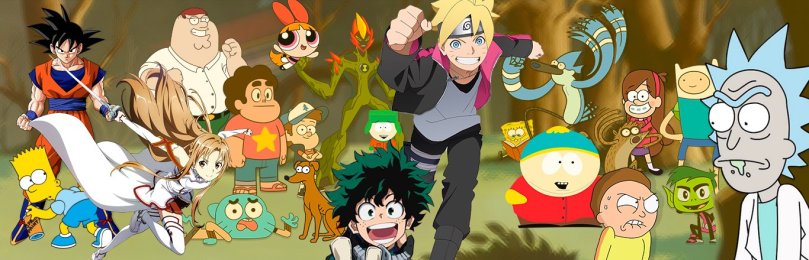
To start I will be talking about the appeal of animation. Animation is used all over the world for numerous forms of media. Such as animated films, music videos, advertisements and educational videos. Animation attracts a lot of attention as it is engaging.

So why is animation appealing?

Appeal is one of 12 principles of animation. As audiences like to see charm, a well thought out design, simplicity and quality. A weak drawn design or drawing can lack appeal for the viewer. Also a design that is complicated can also lack appeal. So having a balance is key. Using awkward shapes and unrealistic moves can have low appeal. (Lasseter, 1987)

Appeal is anything a person likes to see, a quality of charm, pleasing design, simplicity, communication and magnetism. “Your eye is drawn to the figure that has appeal, and, once there, it is held while you appreciate what you are seeing. A striking, heroic figure can have appeal. A villainess, even through chilling and dramatic, should have appeal” (Thomas and Johnston, 1981 p68)

Having well thought out drawing adds to appeal “Only simple and direct attitudes make good drawings and without good drawing we have little appeal” (Thomas and Johnston, 1981 p69) Also  having a simple design can benefit the characters appeal “Believe it or not, simplicity is the key to designing good characters. Many times, the most amazing characters turns out to be the simplest to construct.” (Maestri, 1996, p.10)

There is a difference between appealing animation and unappealing animation is that they are not limited to subject matter, what matters is how you present your concepts, ideas and emotional highs/lows to the viewer. The important thing about appeal in animation is that the viewer feels the character is real and interesting. To help make a better connection between the character and viewer, the character must be likable and have baby like face, such as bigger eyes tends to be effective especially for children. Appeal includes having an easy to read design, solid drawing and having personality. There is no exact formula for getting this right but it starts with a strong character development and being able to tell the story through the animation. (Hurd, 2017)

Animation appeal also lies in the personalities it creates. It allows characters to develop a personality. Their actions, attitudes and appearances must mesh to create a well rounded character who will capture and keep the attention of the viewer. (PowerHouse Animation Studio, 2019)

Some examples of character with appeal:

-Exaggerated features for example bigger eyes

-Bright colours

-Simple design not overly complicated

Another factor that makes animation appealing to children is when the child can be part of the story. For example with shows such as Mickey Mouse Clubhouse. where the characters like Mickey Mouse talk to the child breaking the fourth wall and asking them questions to help with the progression of the story. (Kaur, 2014)

11

Animation has a universal appeal because it can be created to suit virtually anyone’s preferences. For example bright colours and simple designs can be used to create characters for children and more detailed designs can be aimed more towards adults. This versatility allows animation to adapt itself to the preferences and needs of their target audiences, regardless of their age allowing it to appeal to almost everyone. (PowerHouse Animation Studio, 2019)

References:

Hurd, E. (2017). Appeal: The 12 Basic Principles of Animation | Animation Mentor Blog. [online] Animation Mentor Blog. Available at: https://blog.animationmentor.com/appeal-the-12-basic-principles-of-animation/ [Accessed 6 Feb. 2019].

Kaur, R. (2014). Why kids love cartoons so much?. [Blog] MyIndia. Available at: https://www.mapsofindia.com/my-india/society/why-kids-love-cartoon-so-much [Accessed 3 Feb. 2019].

Lasseter, J. (1987). Principles of traditional animation applied to 3D computer animation ACM SIGGRAPH Computer Graphics, 21(4), pp.35-44. [Accessed 6 February 2019].

<http://delivery.acm.org/10.1145/40000/37407/p35-lasseter.pdf?ip=157.190.0.142&id=37407&acc=ACTIVE%20SERVICE&key=DC7B1EB778A804A9%2E4D4702B0C3E38B35%2E4D4702B0C3E38B35%2E4D4702B0C3E38B35&__acm__=1557478828_7ed7d146f143f21209c977c253748f5b>

Maestri, G. (1996). [Digital] character animation. Indianapolis: New Riders, p.10

PowerHouse Animation Studio, I. (2019). What Makes Animation Appealing?. [online] Slideshare.net. Available at: https://www.slideshare.net/powerhouseanima/what-makes-animation-appealing [Accessed 3 Feb. 2019].

Thomas, F. and Johnston, O. (1981). The Illusion of Life Disney Animation. New York: Walt Disney Productions, pp.68 69.