
Making the Screens
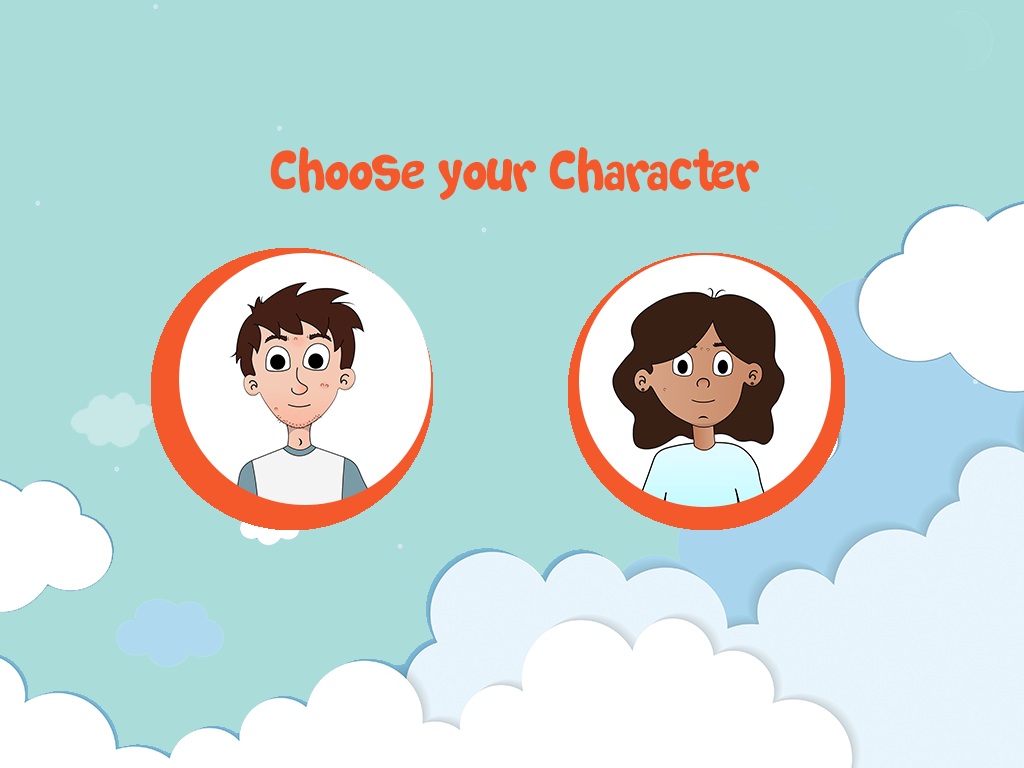
In order to bring the application fully into fruition it was necessary to create high resolution renderings of the final screens so as to guide the application development process carried out by other members. This began by working from the wireframes previously created based on the sitemap created earlier from the script provided. It was also necessary to develop visual elements interpreted from the script. These wireframes represented the structure of the application, the visual style of the application was represented in the screens created as part of this step in the project. The color scheme for the application was heavily influenced by the graphic design and other branding created for the project, variations of these colors were used to create a more extensive color scheme with which to work. A major aim in this stage of the project was to create a style for the application which encompasses both the visual style created for the characters and animations and the other graphic design elements created for this project.
Initial Screens
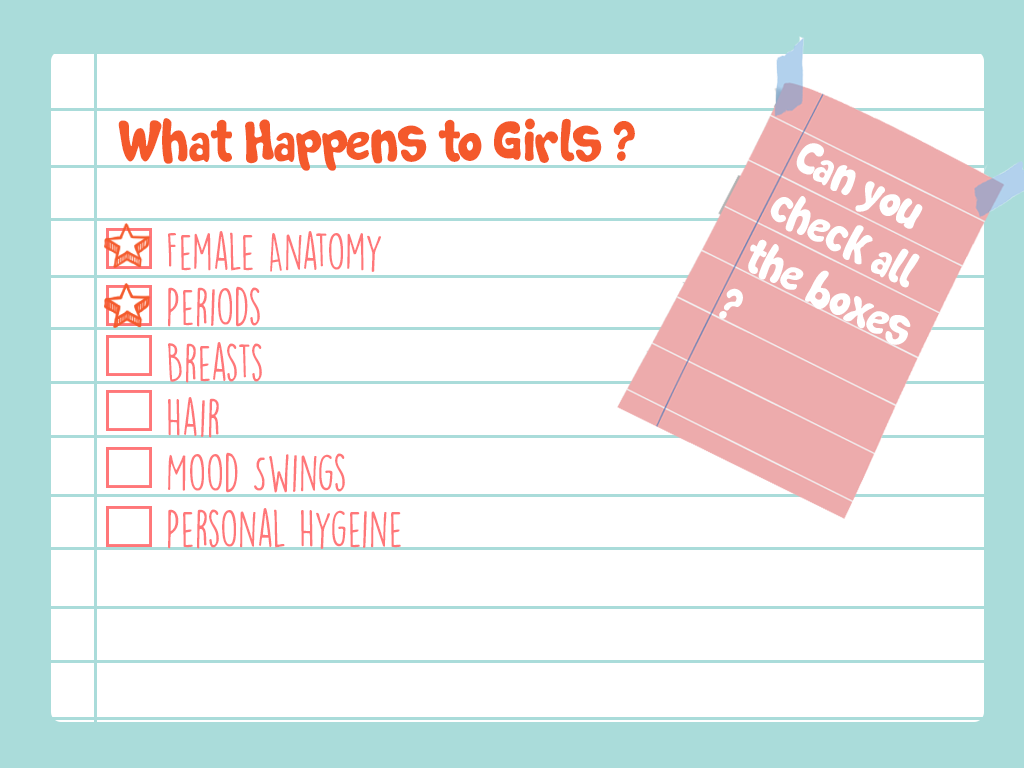
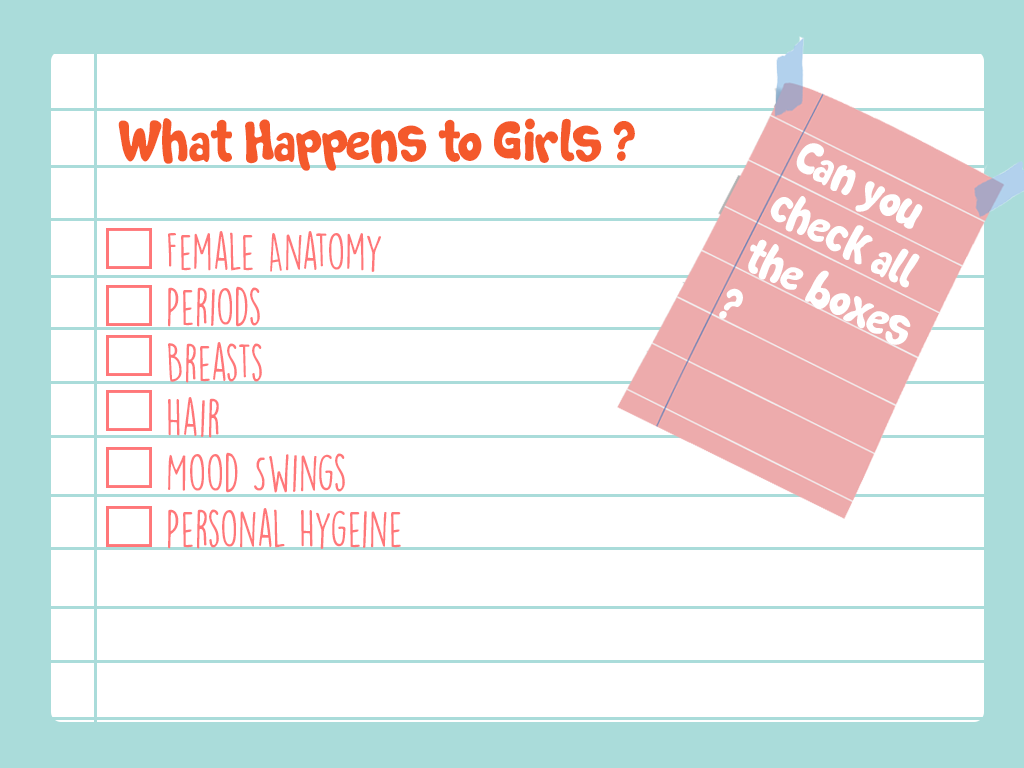
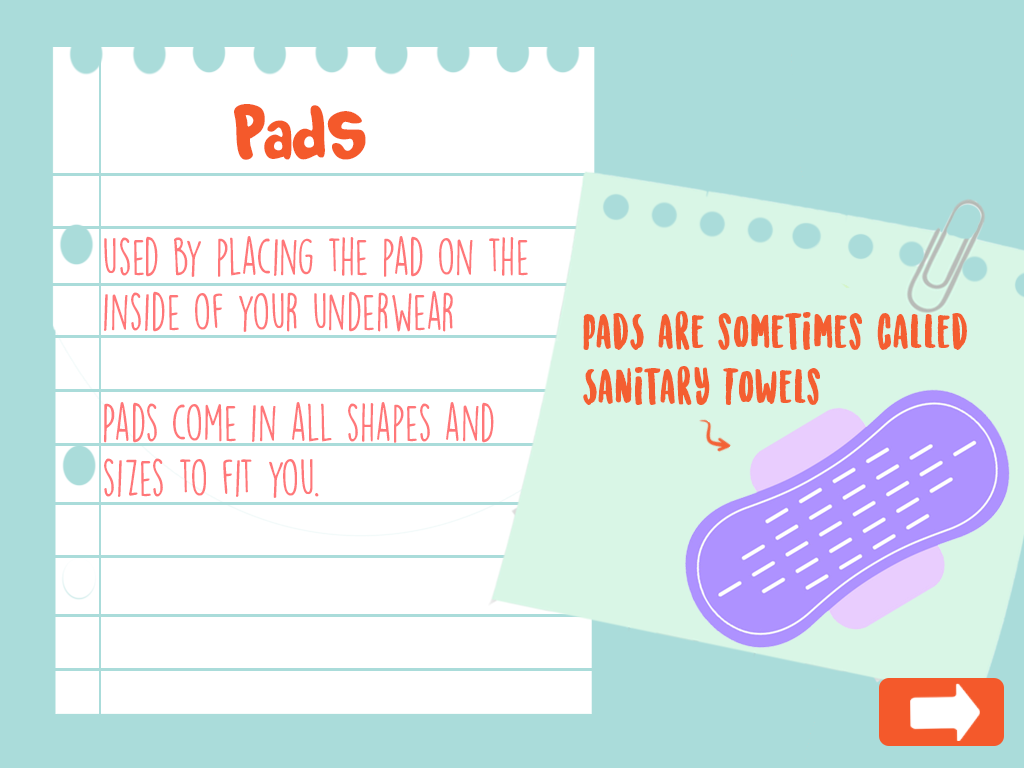
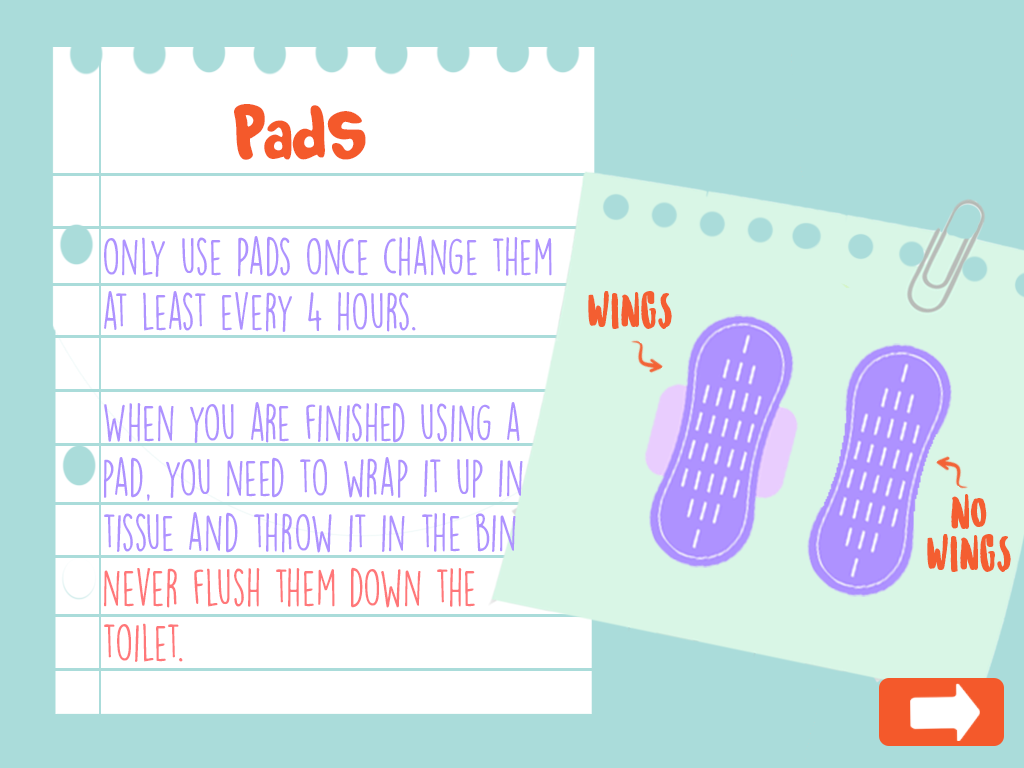
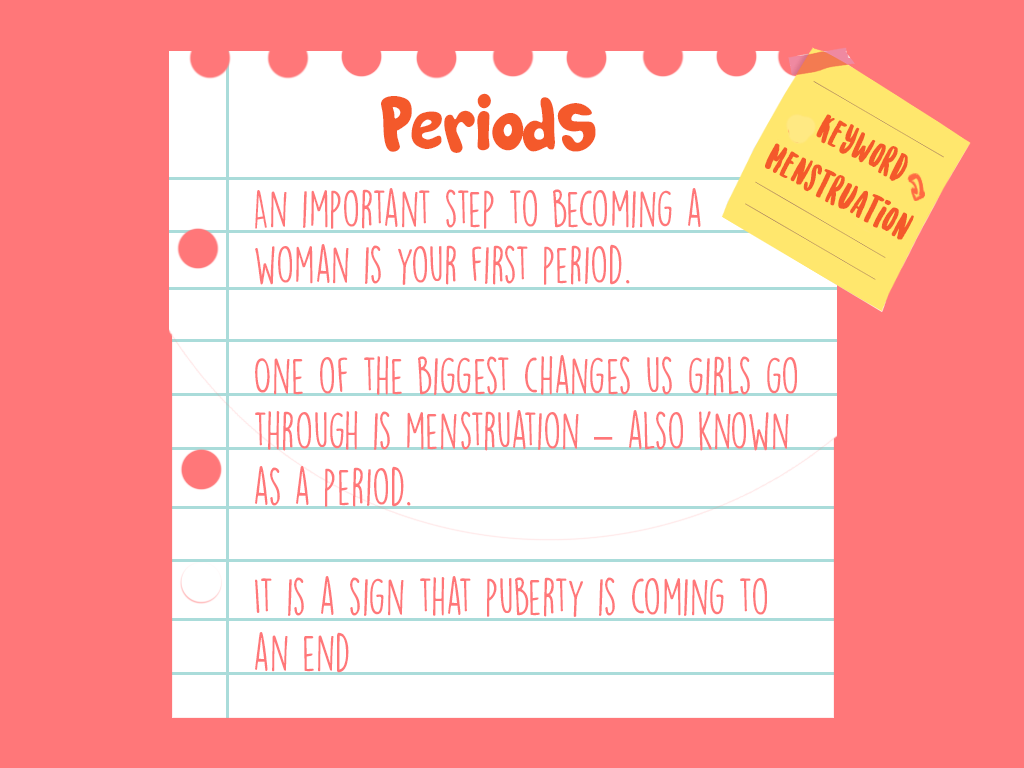
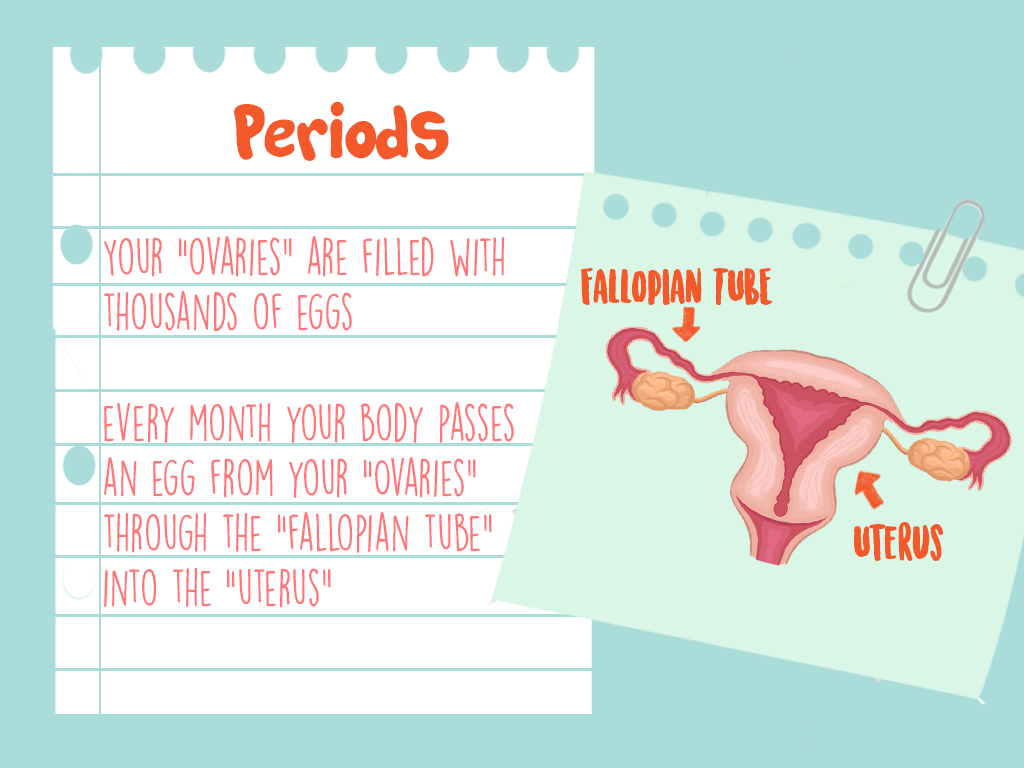
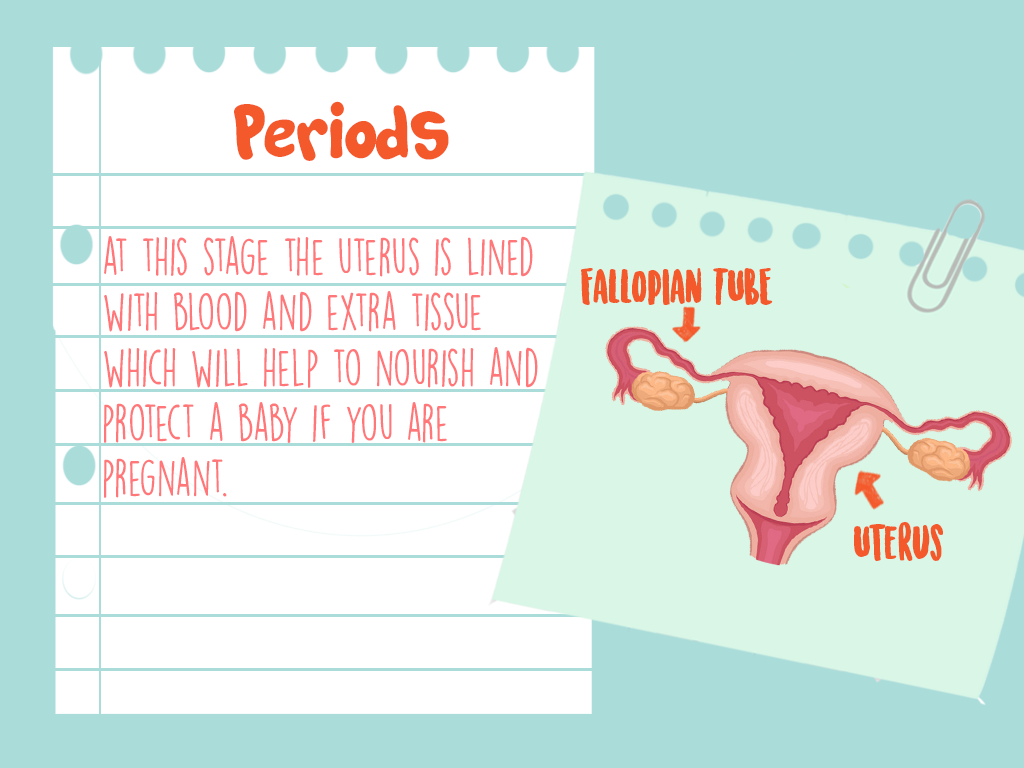
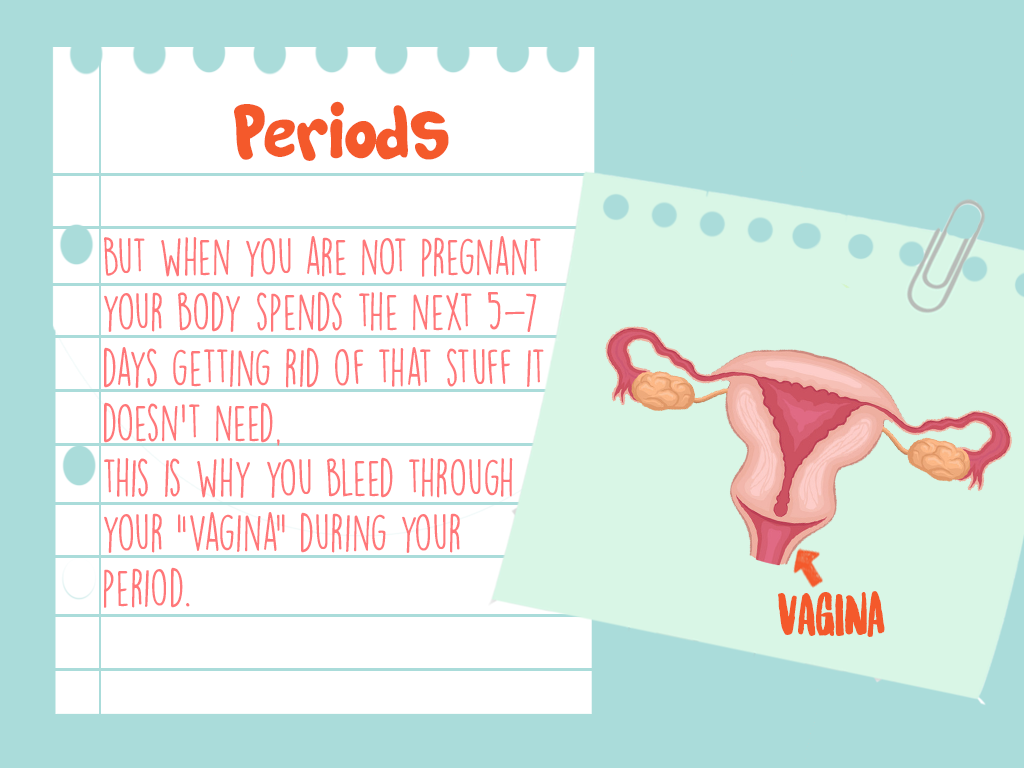
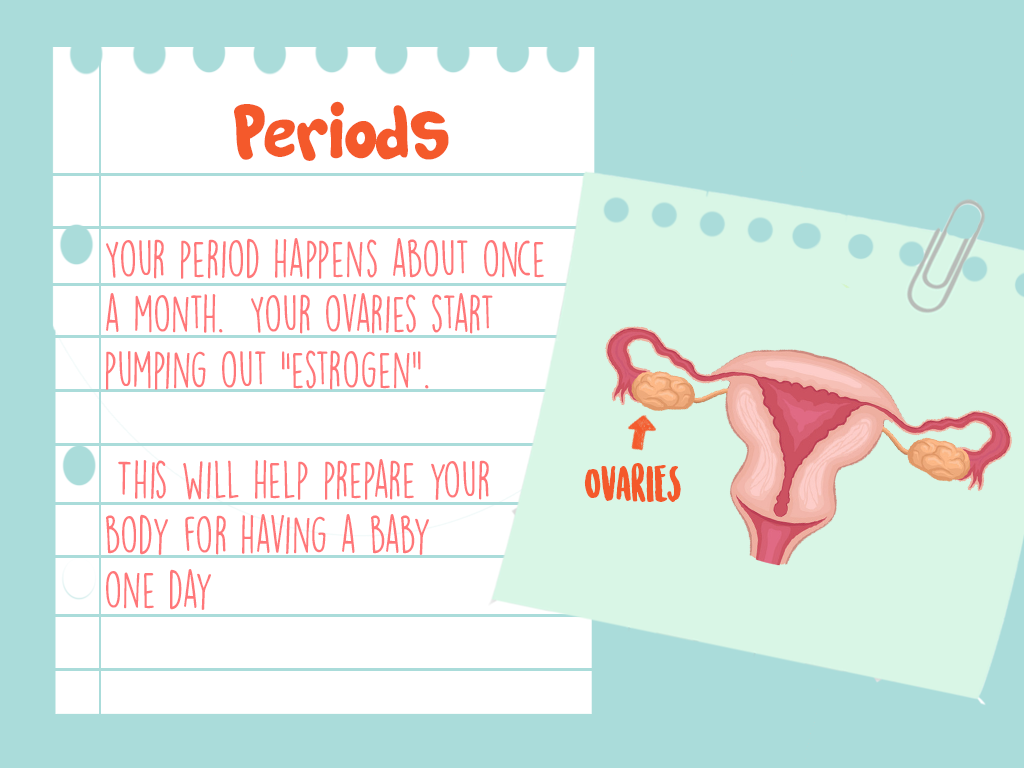
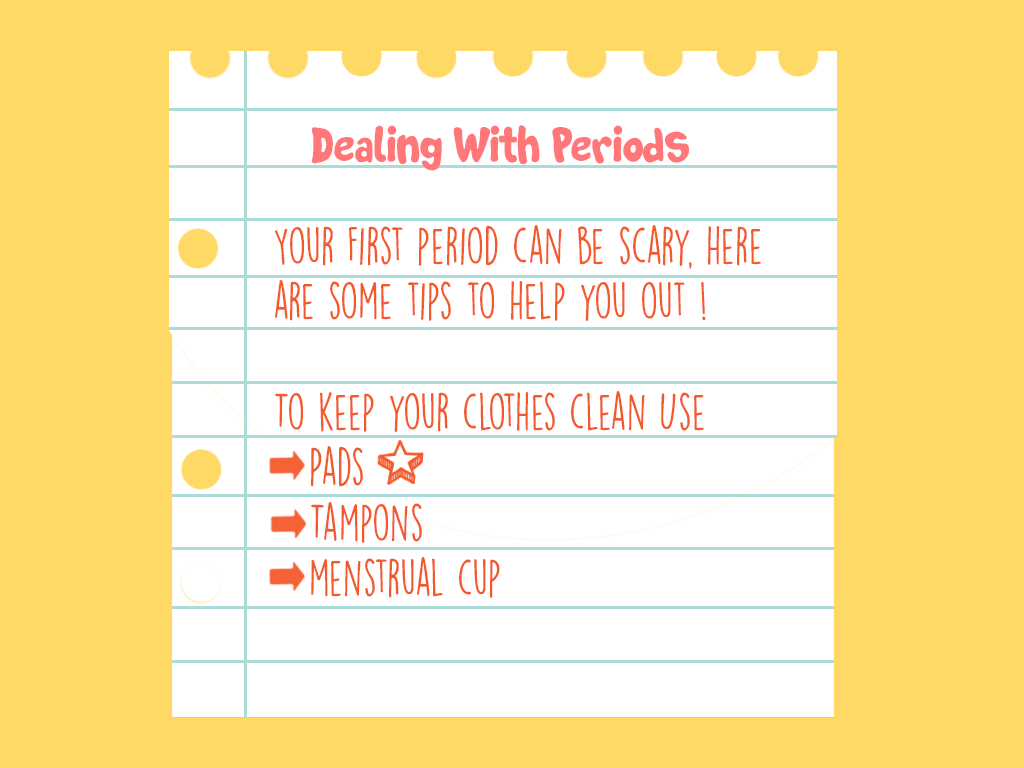
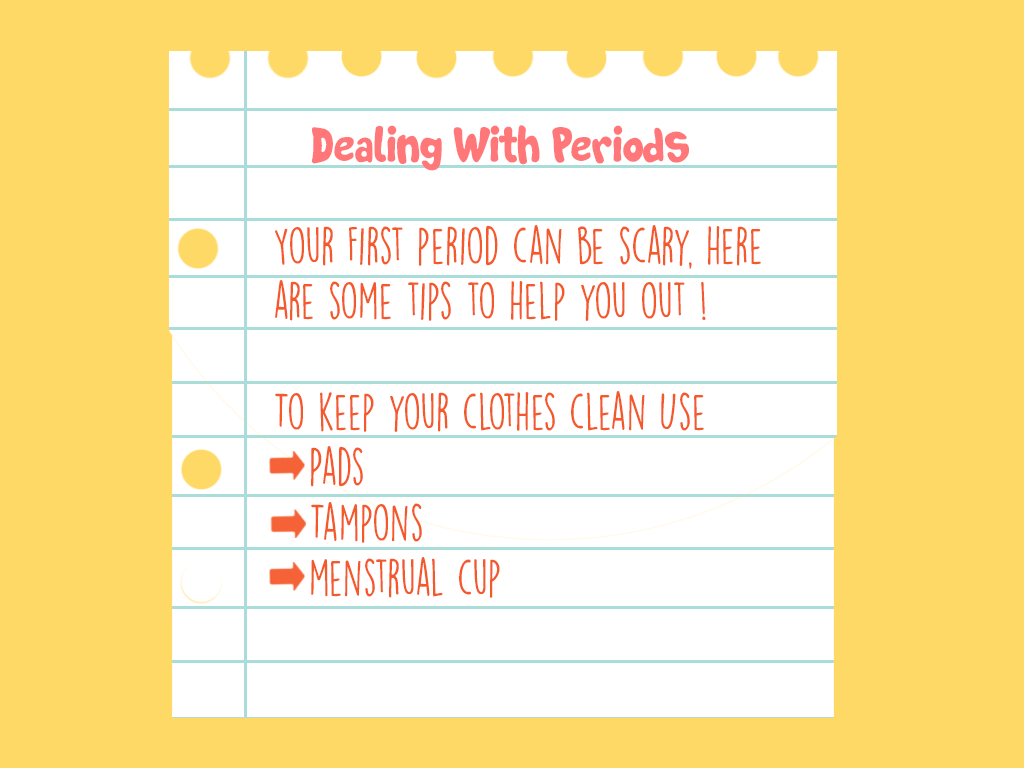
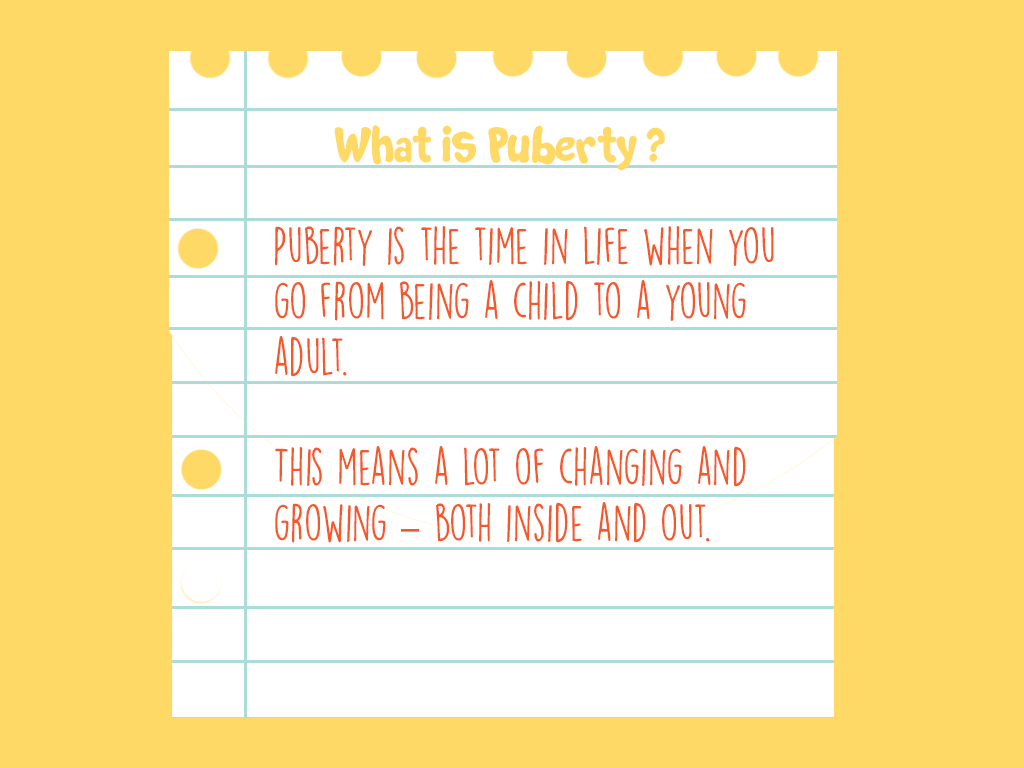
The first attempt at visually representing the UI of the project, although it was unsuccessful, did allow for the creation of a visual style that was carried onto the final screens. A problem that occurred with these initial screens was the metaphors behind the visual elements used. These visual elements included a ripped notebook page, which suggested that there was an element of shame and secrecy associated with the topics being discussed. These visual elements were intended to give the sense of a diary, but as they metaphor behind them wasn’t correct, it was decided that these should be redesigned.
Final Renderings
For the final screens it was decided that a book should be used at the visual style. This was to represent the journey associated with puberty, and the progression you will undergo both physically and emotionally during this time of your life. To facilitate the book aspect of the application a design was created that included forward, back, home, read and book buttons that allowed for the functionality of the book. For these a blue background with a deeper blue icon was used. For the screens themselves that were contained in these pages a background was created for each page, to add more interest to the screens. These patterned background added visual interest to the screen, especially as some of the screens were intended to be loaded blank and then have other elements appear after user interaction. The home page, rewards page and content unavailable page were created in a similar style to the poster, using the logo and the sky elements.
Preparing The Screens
As it was necessary for some of the elements included in the UI to be on seperate layers for the final application, it was important to correctly format the screens created so as to create a folder of assets that was easy to include directly into the application for the developer. This was done by exporting the individual layers included in each screen to separate pngs and organising them into clearly labelled folders. To ensure smooth teamwork and to make the already difficult task of application development easier it was necessary to properly organise the created assets so that other team members would easily be able to locate and access them. After these assets were correctly exported and labelled, it was necessary to upload them to a shared drive folder so as to ensure other group members would have proper access to them. A meeting was had with the application developer to discuss the functionality of each screen and explain how this is envisioned to be implemented. This ensured that the final application accurately represented the Ui that had been designed for this role within the project.The application developer and UI designer were in contact back and forth and other visual elements ended up being created upon request to allow for the developed functionality, these items included a parents manual download screen and a content not yet developed screen. The UI design can be seen in its final form at the following web address, using login demouser and password demouserpwd.
http://webdevcit.com/2018/Sem2/R00138548/letstalkfyp/index.html
 Let's Talk - Project Blog