
When creating the storyboards for the app, I worked closely with the Lead Content Creator Hazel Lambe. We discussed how we would transfer what was on the scripts to storyboards. We kept in mind my abilities as an animator and what was possible to design and create within the time limit we had. We agreed that four scenarios was appropriate two for the boys and two for the girls. After the scripts was completed, I started creating the storyboards. I have gained knowledge on creating storyboards from my time studying Creative Digital Media by taking modules such as Advanced Animation, Film Language and Cinematography. I added to this knowledge by researching other mediums.
“So animation scripts have traditionally included the camera shots, as if the writer was directing the story. A finished animation script is still a work in progress with the storyboard artist who follows, improving upon the look of the story. But it’s the writer who initially visualises each shot in his head.” (Wright, 2005) This is true when myself and hazel worked together. She wrote the initial scripts and having a vision of what she wanted the animations to look like. I aided in this process by making her vision come to life and making adjustments were needed.
What is a storyboard?
So what is a storyboard, it is a graphic representation of what will take place throughout a video, shot by shot. It is made up with a number of rectangles that have illustrations/pictures/drawings that show what each shot will include within the scene and also what is being said in the script during that shot. (Vyond.com, 2018)
“The storyboard should serve as a blueprint for any film project and as the first visual impressions of the film. It is at this stage that the major decisions are taken as far as the film’s content is concerned. It is generally accepted that no production should proceed until a satisfactory storyboard is achieved and most of the creative and technical problems which may arise during the film’s production have been considered.” (Whitaker and Halas, 2002)
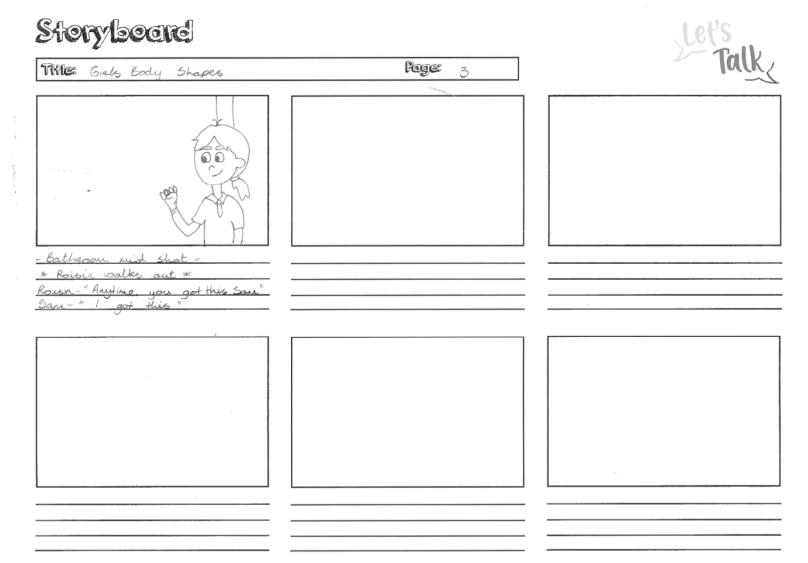
Example of a storyboard:
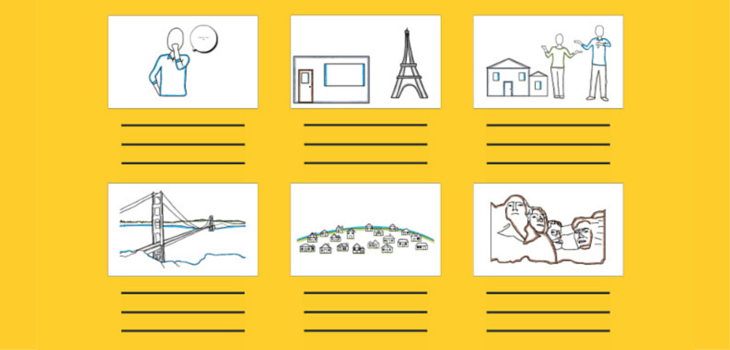
With any project that included video work it is very important to start off with a solid concept of what a storyboard is used for. “For animators, it would be suicide not to storyboard. Unlike live-action filmmaking, where one shoots scenes in a variety of ways and then finds the final form through the editing process, in animation you never want to execute a finished scene that might be discarded, because this process costs too much time and money. The use of small sketches gives the animator a spectacularly clear and inexpensive way to work out his or her creative vision”. (Laybourne, 1998) The use of a storyboard has been a great benefit to me when I am creating my animations. Having the visual aid makes the creative process run much smoother as it allows you to explain and share your ideas for the video clearly to others. It is helpful when to comes to making the animation because you can use it as a guide so you ensure that you don’t forget any scenes and it helps when putting the video together. It is also handy to shorten the process of creating the video because it gives you a clear vision to how you want it to look so by taking time to draw a good storyboard it will save you time later.
How to create a storyboard
Step 1: Creating a template
The first step in creating a storyboard is creating a template. You can do this by drawing a series of rectangles on paper or downloading a pre made template. Making sure there are lines under the rectangles to write notes or lines from the script. Each rectangle is a different shot or scene.
Step 2: Adding the script
Under the rectangles write out the lines from the script that go with that scene.
Step 3: Sketching out the story
Here you sketch what happened in each scene through drawings, what characters are present and what framing you would like to use. Also making not of what camera angles and movement , transitions between shots and other details that are needed for post production. (Burgess, 2016)
Additional Character sketches
Scenario Scripts
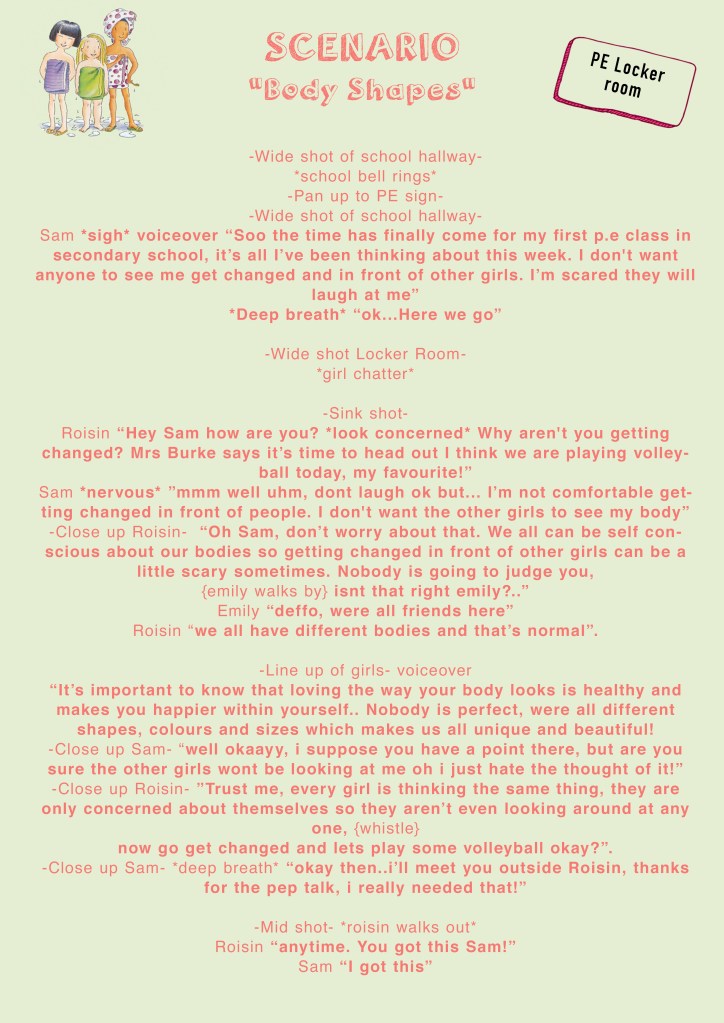
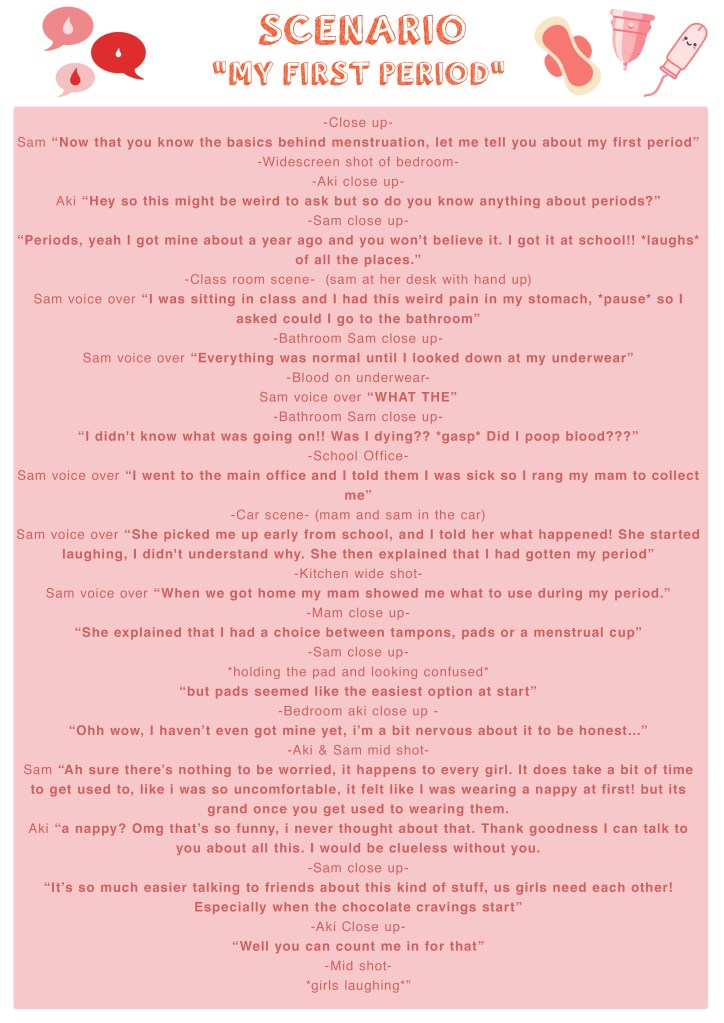
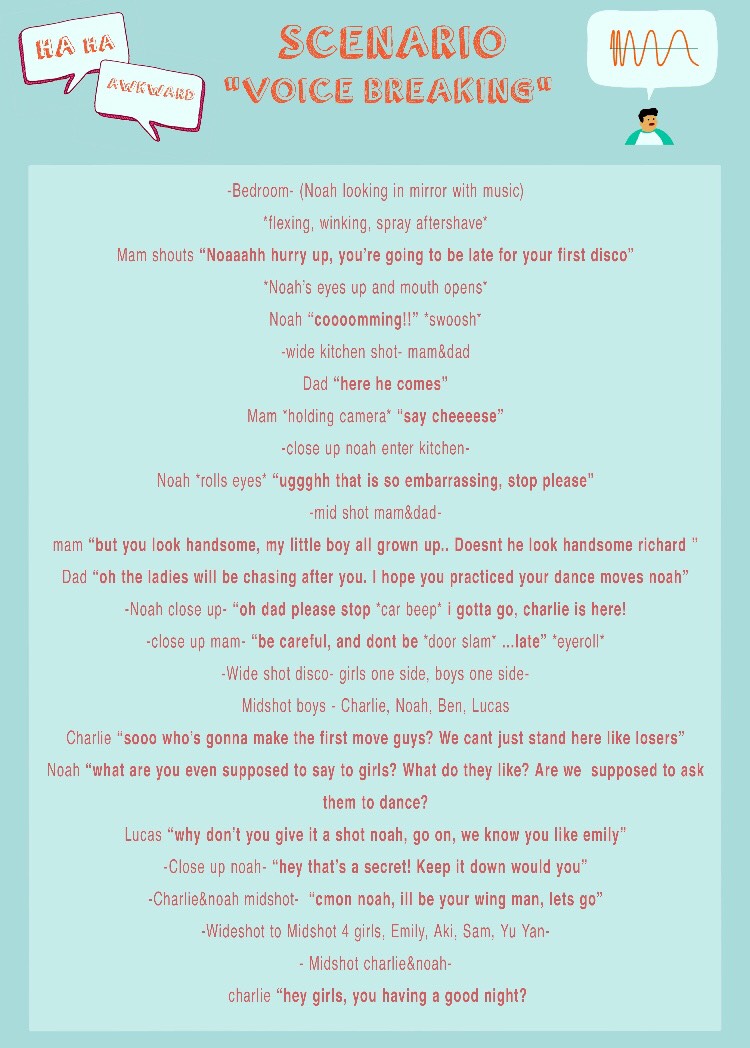
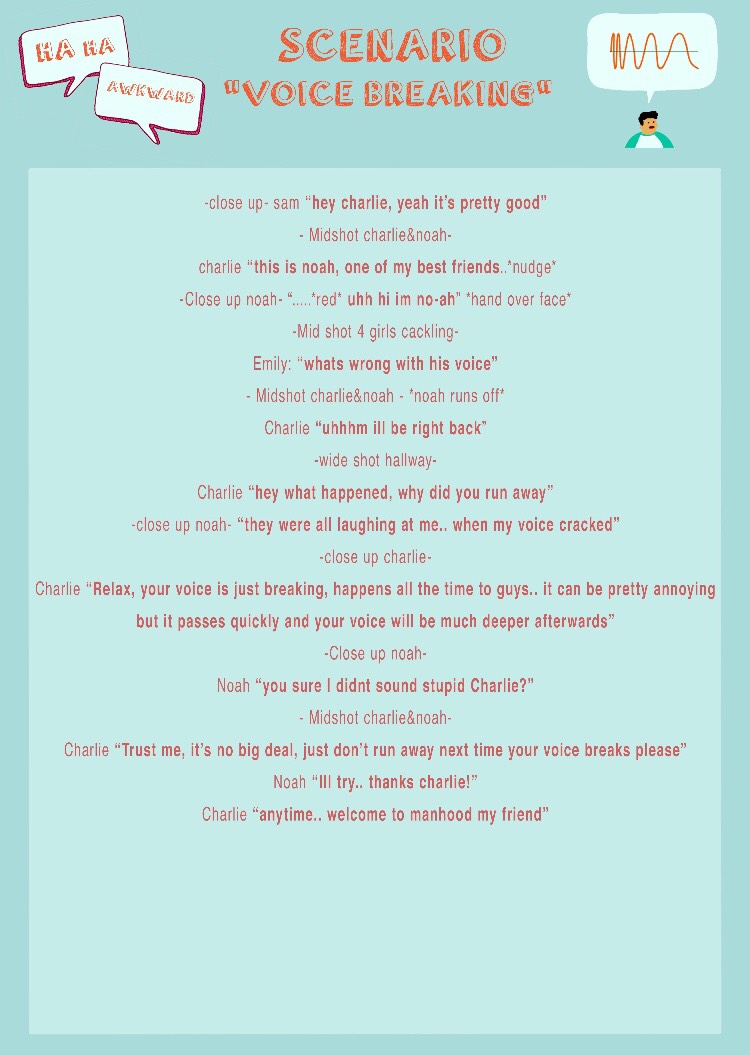
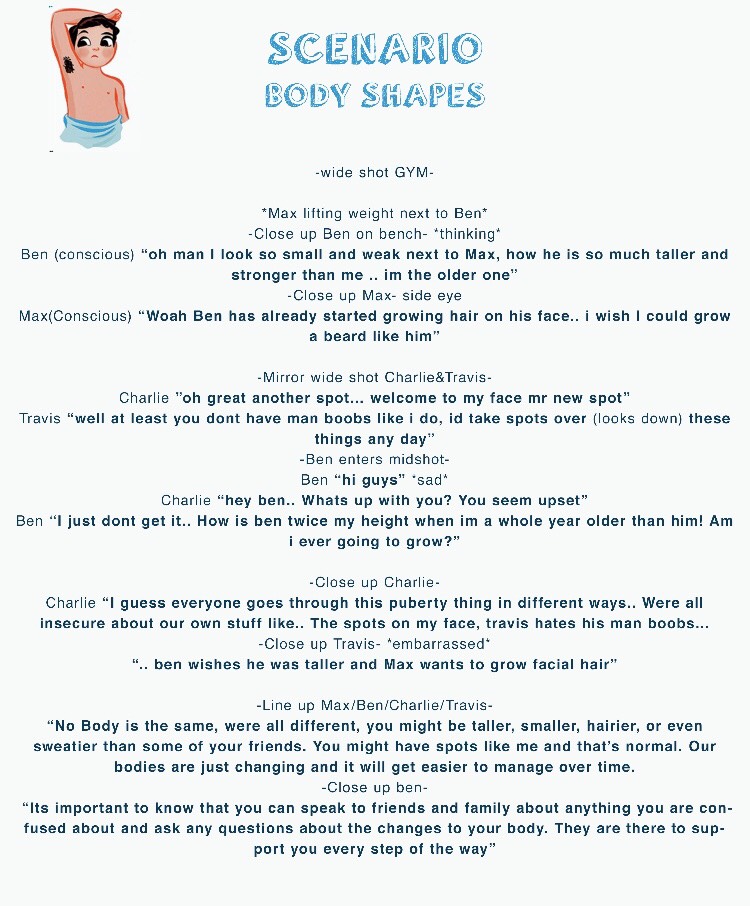
When a script was completed I began creating the storyboard. While drawing the scenes I payed close attention to the placements of the characters, what they were saying and what kind of framing I needed to emulate. I kept in mind my abilities as an animator and what was achievable when using Adobe After Effects and Character Animator.
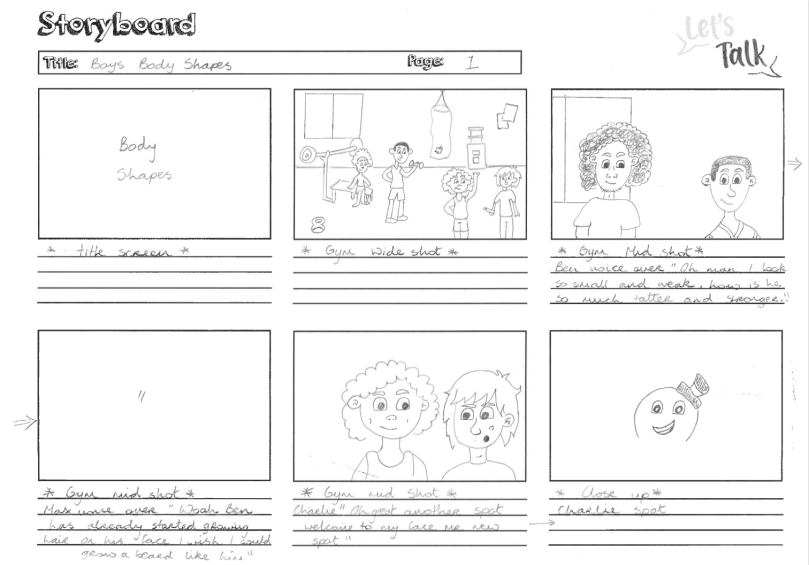
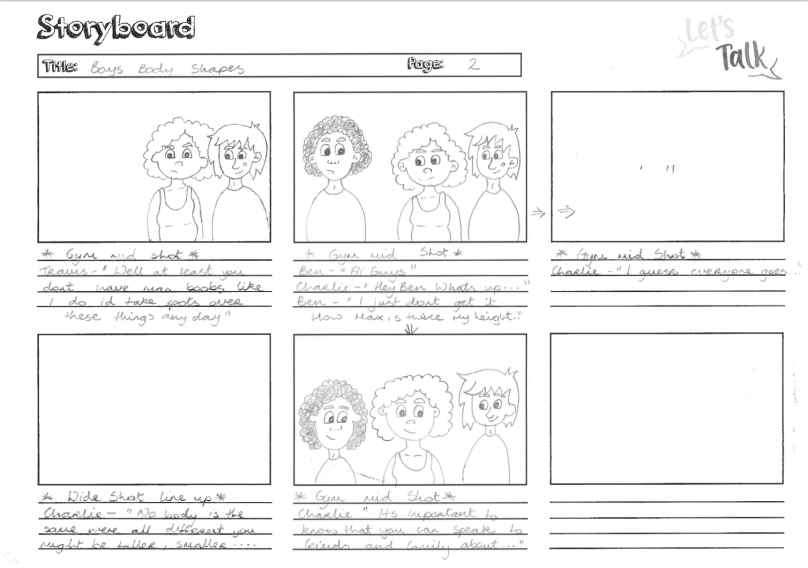
Scenario Storyboards
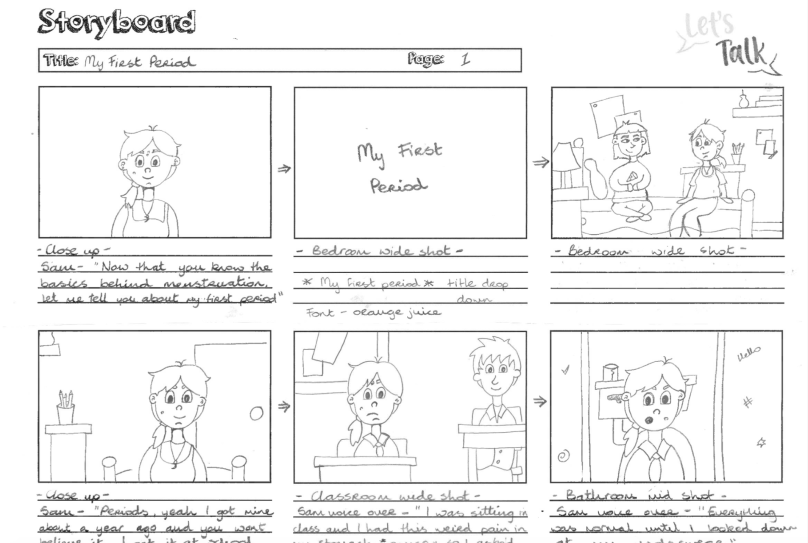
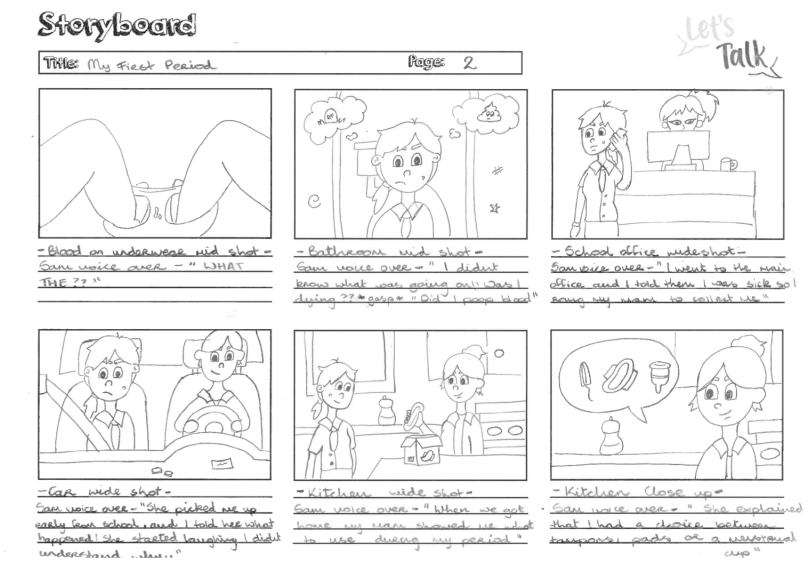
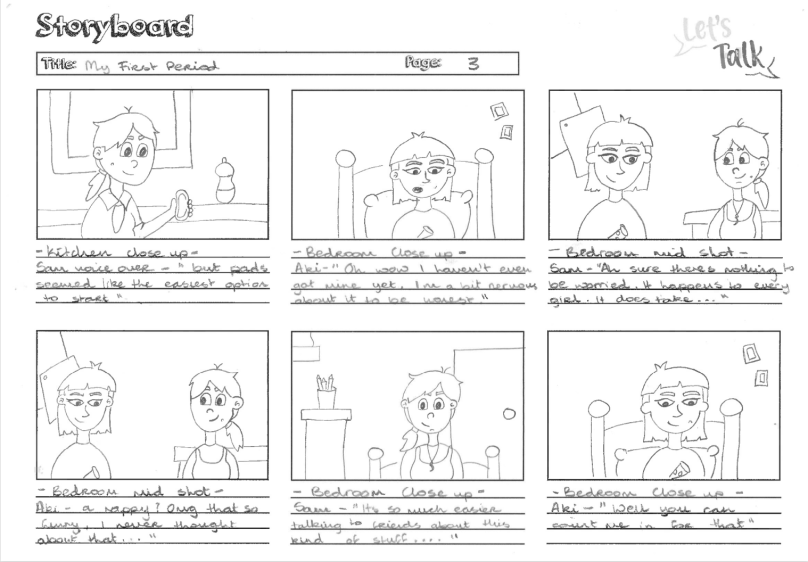
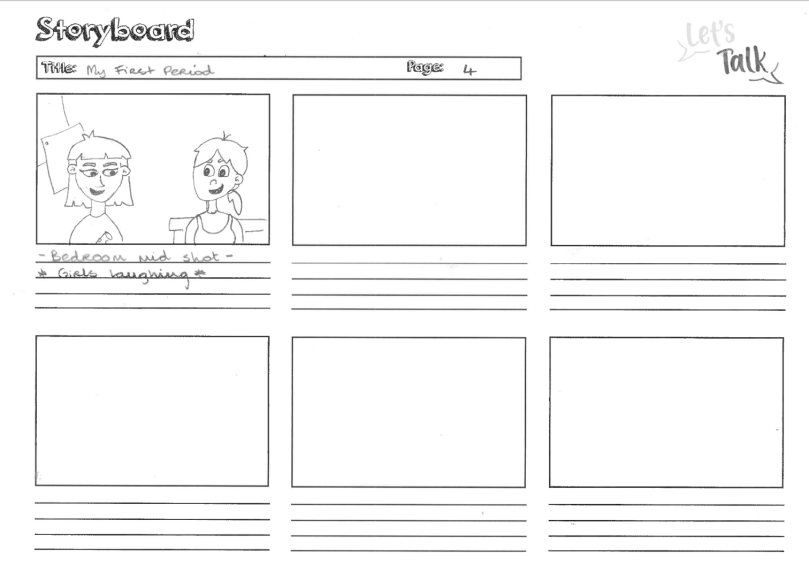
Boys Body Shapes
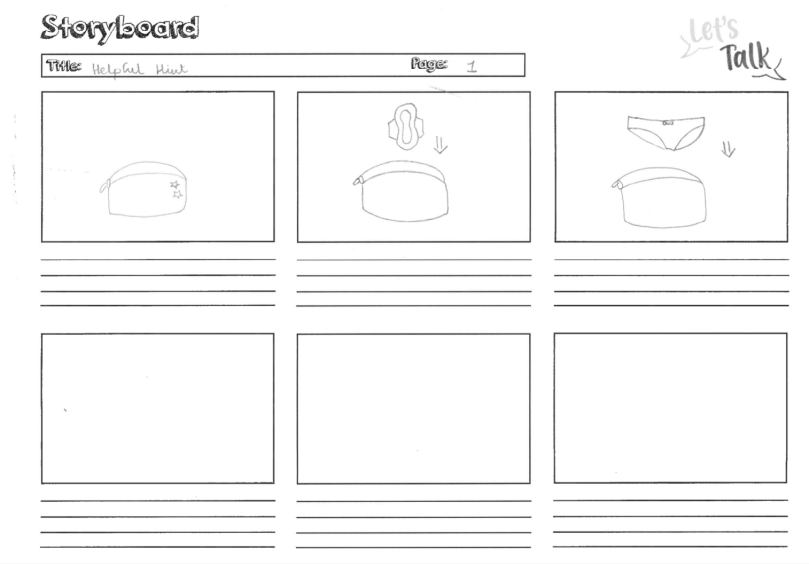
Helpful Hint
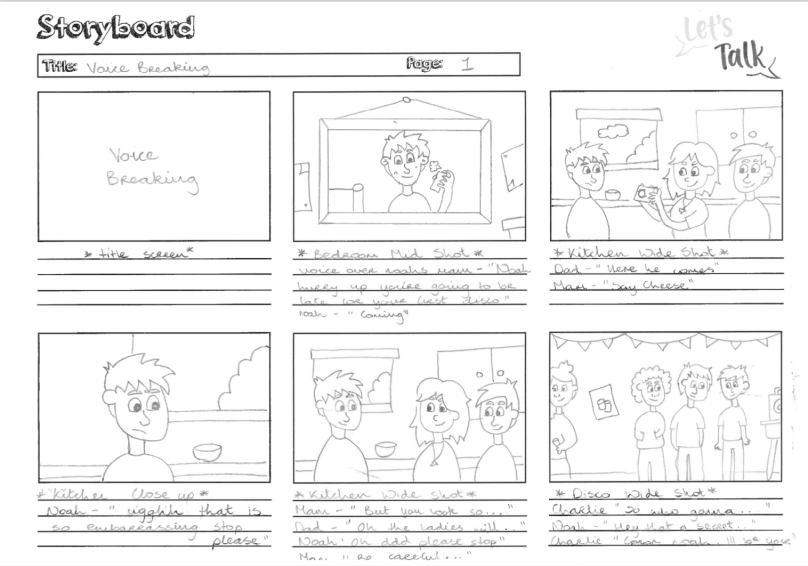
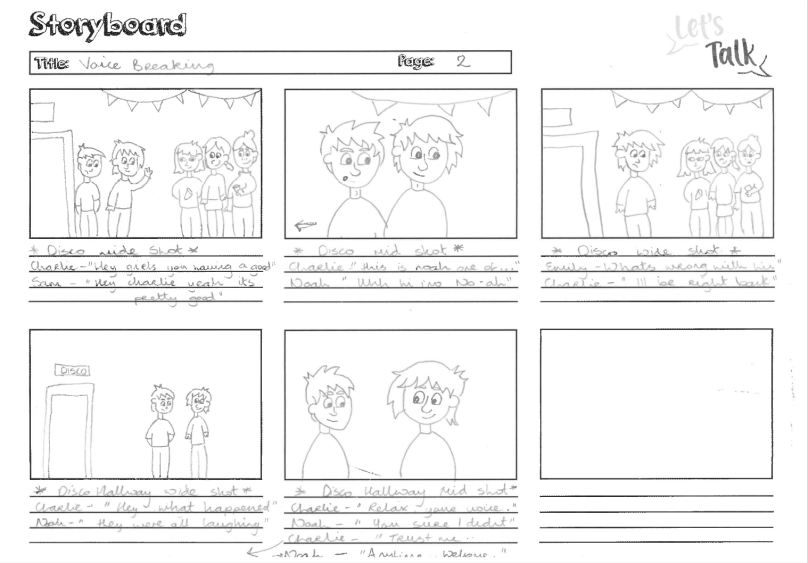
Voice Breaking
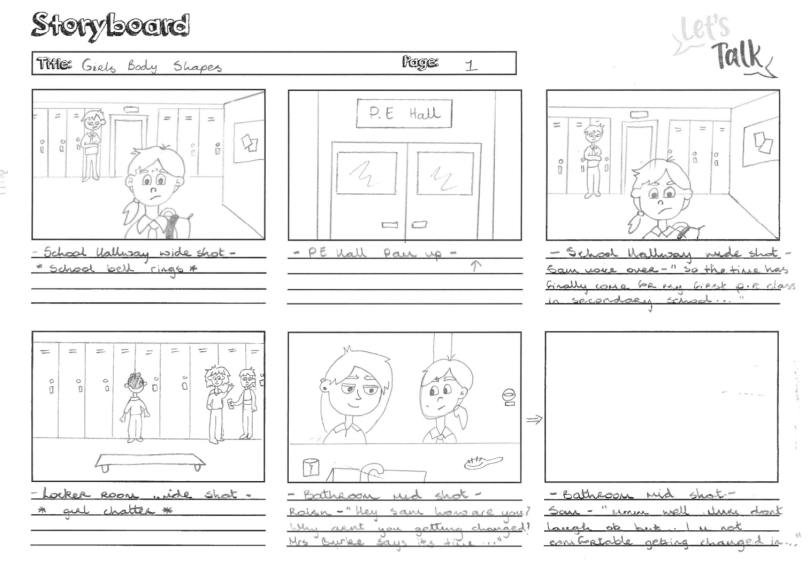
Girls Body Shapes
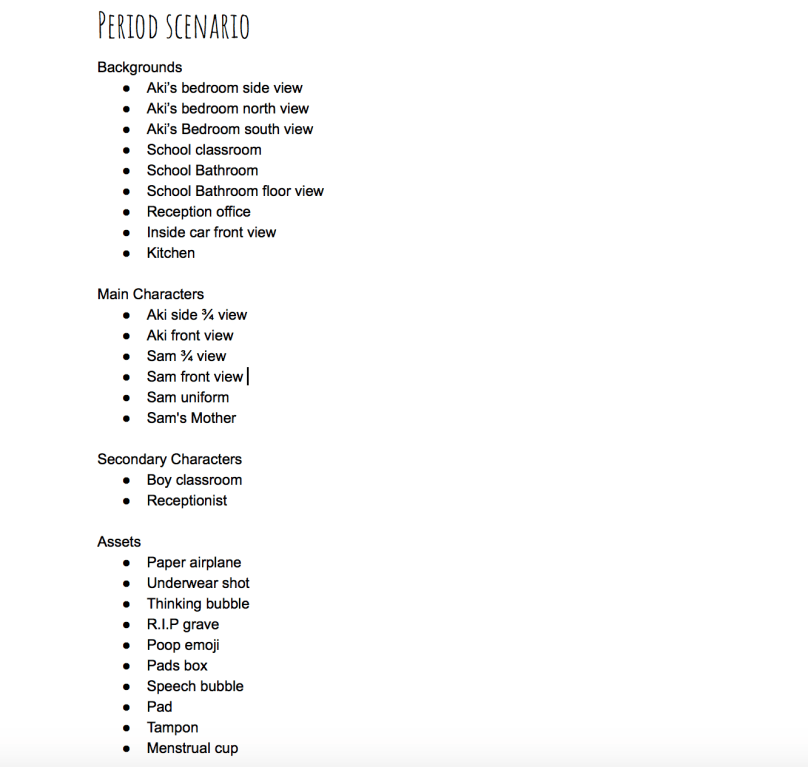
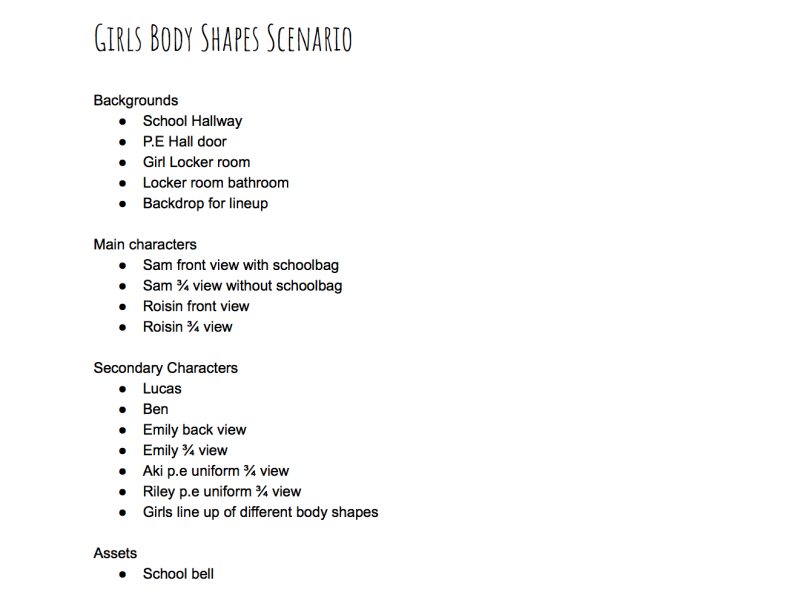
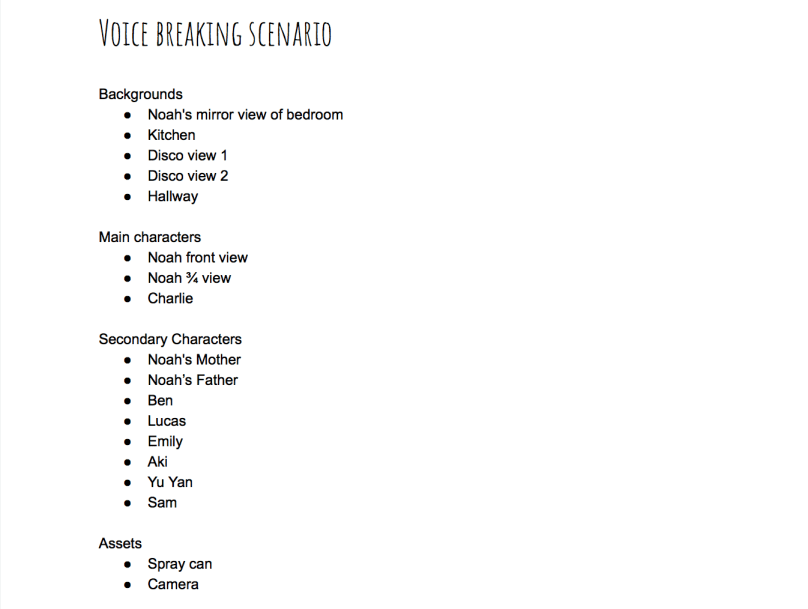
List of assets to be drawn and illustrated
References
Burgess, C. (2016). How To Make a Storyboard For Video. [online] Photo & Video Envato Tuts+. Available at: https://photography.tutsplus.com/tutorials/how-to-make-a-storyboard-for-video–cms-26374 [Accessed 20 Mar. 2019].
Laybourne, K. (1998). The Animation Book. New York: Three Rivers Press, pg.100, pg.101. [Accessed 19 Mar. 2019]
Vyond.com. (2018). What Is A Storyboard And Why Do You Need One? | Vyond. [online] Available at: https://www.vyond.com/resources/what-is-a-storyboard-and-why-do-you-need-one/ [Accessed 18 Mar. 2019].
Whitaker, H. and Halas, J. (2002). Timing for animation. Oxford: Elsevier Ltd., p.14. [Accessed 20 Mar. 2019]
Wright, J. (2005). Animation Writing and Development. Burlington: Focal Press, p.201. [Accessed 18 Mar. 2019]
 Let's Talk - Project Blog