
From my previous knowledge on creating animations I have exclusively used Adobes After Effects. When talking with my lecture on the best way of creating the animations for the app, the application of Adobe Character Animator CC came up. I have never used the software before so my first task was to learn how it worked. Adobe Character Animator CC is a software that allows for the animation of characters facial expressions and body movement by combining live motion capture through a webcam with a multi track recording system were you can control layered 2D characters that are drawn using Illustrator or Photoshop. (Adobe.com, 2019)
After reading up on what the software, I downloaded it onto my laptop. The best source of information I could find on how to use Character Animator was the Youtube Channel “Okay Samurai”. The channel is run by Adobe Character Animator designer Dave Werner. (Werner, 2019) He has multiple videos on how to use the software. I started watching his video “Making Your First Character- ARCHIVED (Adobe Character Animator Tutorial)” (Werner, 2019), as I watched I took notes on how to draw a character in illustrator. I found it great that Illustrator and Character Animator are linked, so when I need to change something with the Illustrator file it would automatically change in Character Animator. I learned how to label the layers correctly, how to a-range the layers, the importance of putting “+” in front of layers that could move independently within Character Animator and how to group paths together to form a group.
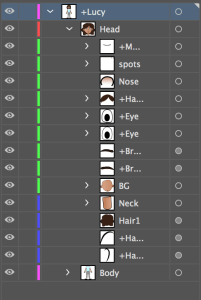
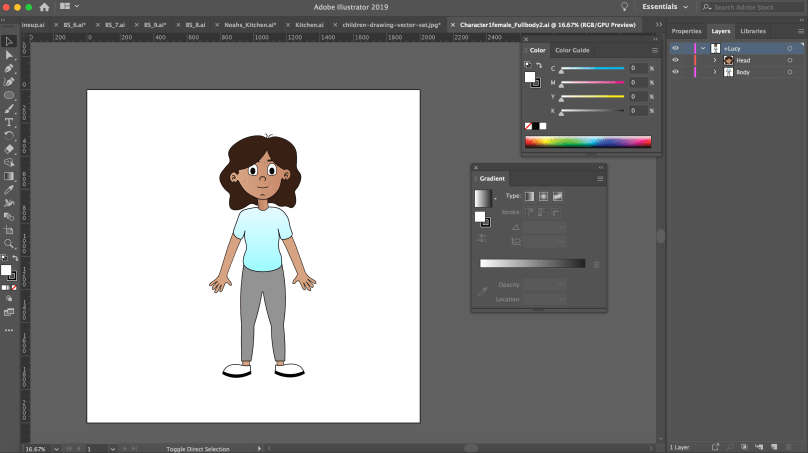
The next thing I learned how to highlight the layers I had created in Illustrator and tag them within Character Animator. When I had them all tagged correctly I went back into my scene.
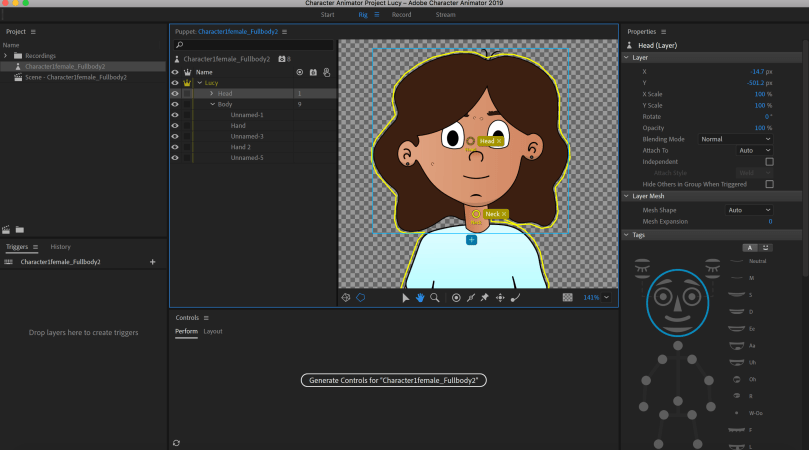
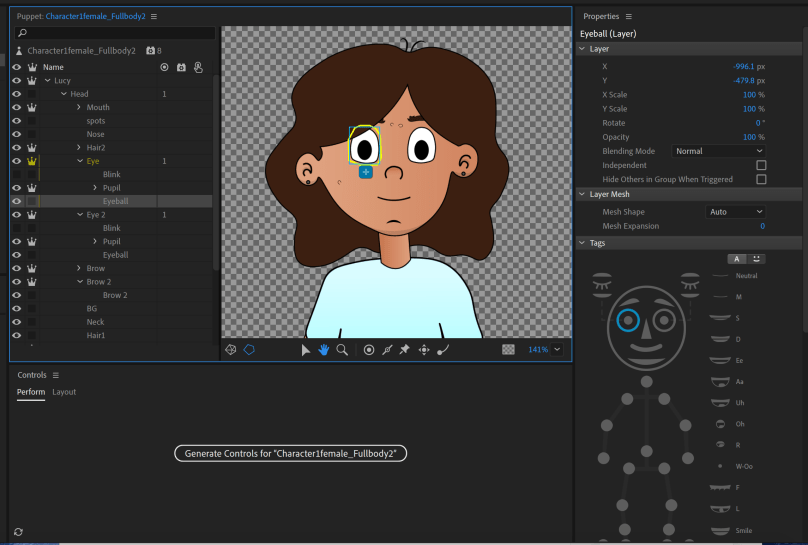
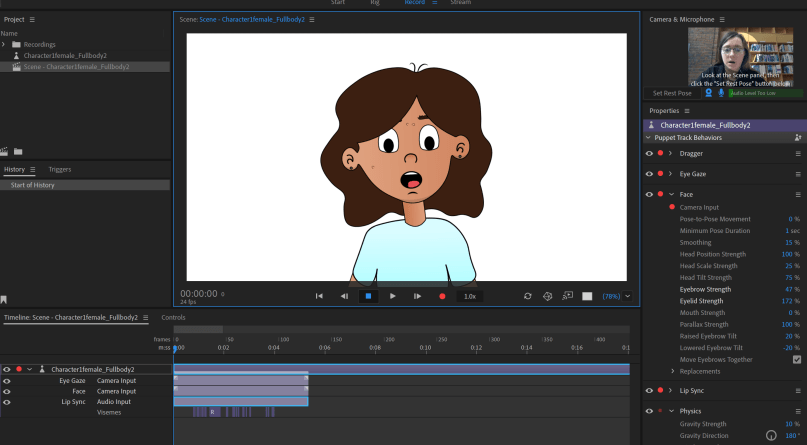
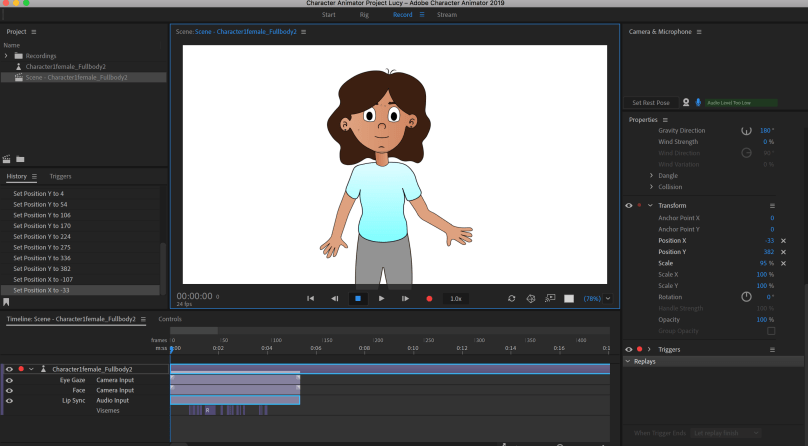
The next step was experimenting with my facial expressions to see if the character would move. I learned that moving my own face would tigger the character to copy. The character would copy my blinking, head movements and lip sync.
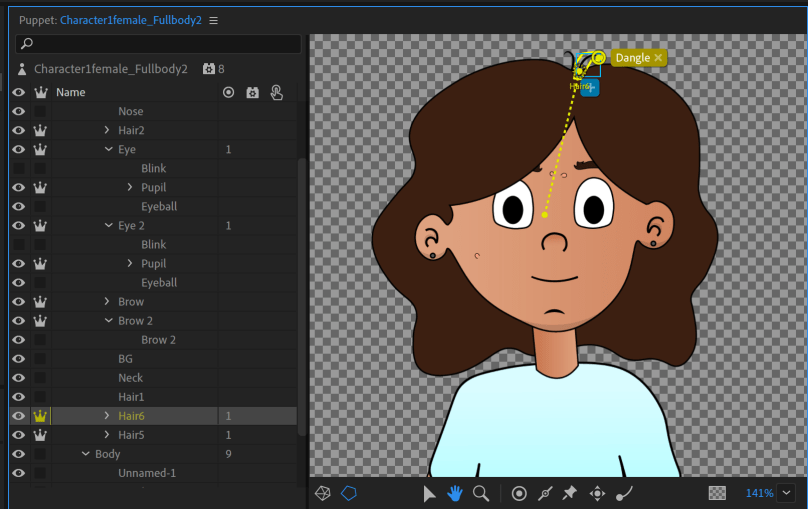
The next thing I learned from the video was the features of dangle tool and fixed tool. First the dangle tool, it is important that within illustrator the layer you want to use the dangle tool on must have a “+” in front of the name so that they can move on their own. I dragged the origin handle to the bottom and then used the dangle tool to place a marker. This gives the effect that the hair is moving independently.
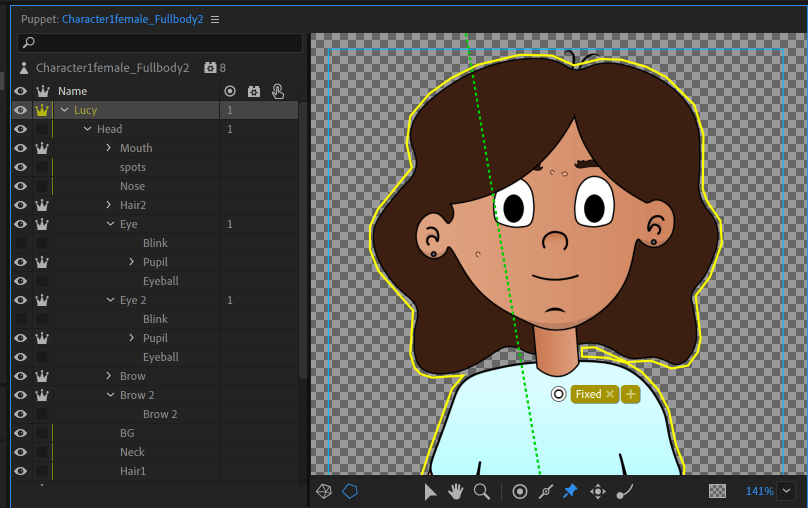
The second feature I learned about was the fixed tool. This tool is handy as it will keep the character moving from that spot when animating.
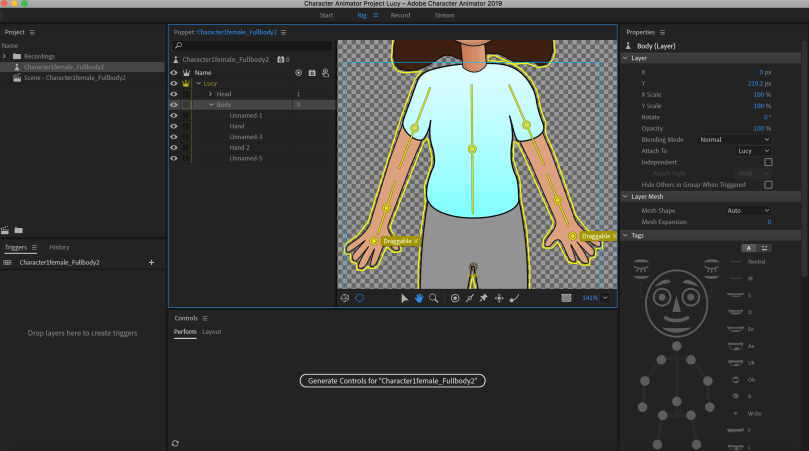
Then I learned about the draggable and stick tools. These tools are used when creating movement for the body of the character. Placing a draggable mark on the hands of the character allowed me to move them. But to make this more realistic I added the stick tool along the top and bottom of the arm. When move the arm now it bends at the elbow.
Recording and Editing
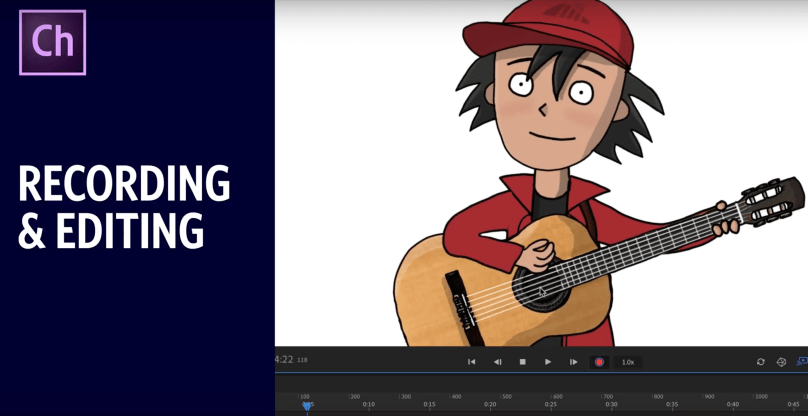
To learn how to record and edit within Character Animator I watched Dave’s video called “Recording & Editing (Adobe Character Animator Tutorial)” (Werner, 2018). I learned the best techniques for recording and editing such as arming and disarming behaviours, blending multiple performances together and fixing lip sync tracks.
The knowledge gained by studying this YouTube channel developed a new skill that was highly useful when creating the animations for the Let’s Talk app.
References
Adobe.com. (2019). Buy Adobe Character Animator | 2D character animation software. [online] Available at: https://www.adobe.com/ie/products/character-animator.html?gclid=EAIaIQobChMIrKmYiP3q4QIVlvhRCh0_swriEAAYASAAEgKcevD_BwE&sdid=88X75SKS&mv=search&ef_id=EAIaIQobChMIrKmYiP3q4QIVlvhRCh0_swriEAAYASAAEgKcevD_BwE:G:s&s_kwcid=AL!3085!3!340726103906!e!!g!!adobe%20character%20animator%20cc [Accessed 10 Feb. 2019].
Werner, D. (2019). Okay Samurai. [online] YouTube. Available at: https://www.youtube.com/user/okaysamurai [Accessed 13 Feb. 2019].
Werner, D. (2016). Making Your First Character – ARCHIVED (Adobe Character Animator Tutorial). Available at: https://www.youtube.com/watch?v=_smLXODTd6U&t=918s [Accessed 13 Feb. 2019].
Werner, D. (2018). Recording & Editing (Adobe Character Animator Tutorial). YouTube. Available at: https://www.youtube.com/watch?v=XolxHNixBpA&t=31s [Accessed 15 Feb. 2019].
 Let's Talk - Project Blog